
Mac Tools Smart Tools
Set torque, record measurements, generate reports
Stanley Black & Decker, Inc.
iPhone Screenshots


Description
Set target torque values and recall favorites for precise adjustments. Record measurements for audit and generate reports. Support multi-unit torque and angle measurements. Improve setup speed and reduce errors with absolute value settings.
Faster, Easier, More Precise.
With the Mac Tools App, take control of your Smart Torque wrench and set quickly target torque, help reduce errors, and record measurement for audit. Set values, recall favorites, and generate reports.
Supports multi units N.m, kg.cm, lbf.ft and lbf.in as well as angle measurement.
Quick Torque:
- Easily set target torque as absolute values
- Removing the need to read mechanical scales
- Improve setup speed and reduce errors.
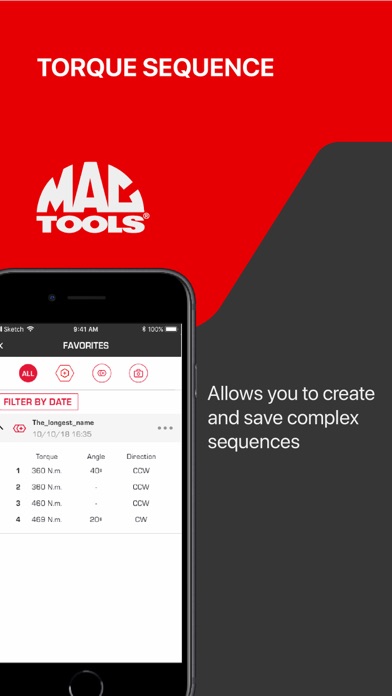
Torque Sequence
- Allows you to create and save complex sequences,
- Single-pass sequences allows you to tighten each bolt to max specs in one go.
- Multiple-pass sequences allows you to tighten each bolt in a multi-stage
- The wrench will auto advance during the task once you have reached your target, saving time.
Torque History
- Create, export, and wirelessly share reporting of torque values for audit.
- View completed Torque Activities
- View Achieved Torque Target: Overtorque, Undertorque, or Within Range
- View Achieved Angle: Exceeded or Within Range
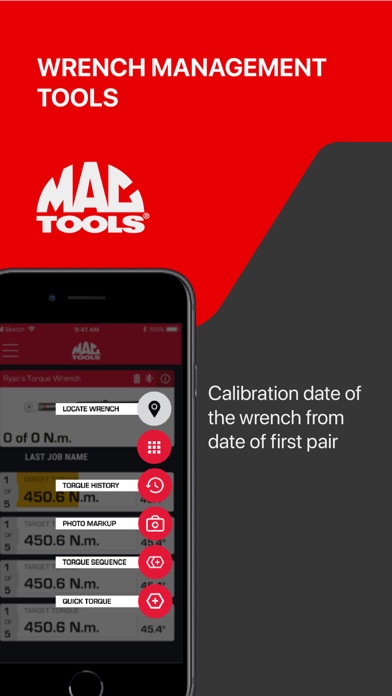
Wrench Management Tools
- Click count towards calibration as determined by standards
- Calibration date for the wrench from date of first pair