The app detects the device's orientation to find any 2D angle. It measures angles in degrees, radians, or as a gradient, holding the measurement for easy reading.
by Ivan Perre★ 4.37 ratingsUtilities$2.99Data updated 2026-09-28
Fly and control an through a realistic countryside scenario with 3D graphics. Perform stunts in environments like barns and windmills. Purchase game modes and planes from an in-game store. Track progress through various locations and challenges.
Solve triangles with two modes. Regular triangle mode allows input of 2 sides and an angle, 2 angles and a side, or 3 sides. Right triangle mode accepts 2 sides or a side and an angle. Calculates missing values based on input.
Performs basic arithmetic, base conversion between binary, octal, decimal, and hexadecimal. It calculates GCD and LCM, factors primes up to 10^18, and solves roots and exponents. Includes 12 modes for various mathematical functions.
Add watermarks to images, videos, and PDF files using custom text or uploaded logos. Customize positions, opacity, and fonts. Batch-process multiple files without altering originals. Save and share watermarked copies securely.
The app offers unit conversions for acceleration, angle, area, density, distance, energy, force, mass, power, pressure, speed, temperature, time, and volume. All conversions are performed on a single screen.
Convert units of measurement with support for weight, length, temperature, speed, area, time, data storage, and angle. Input values and select units for instant . Syncs with Apple Health for seamless tracking.
Screen content and import it into the . Select from 360-degree phone shell templates and various angles. Use one-click intelligent synthesis to enhance visual effects. Upload videos to multiple platforms for sharing and promotion.
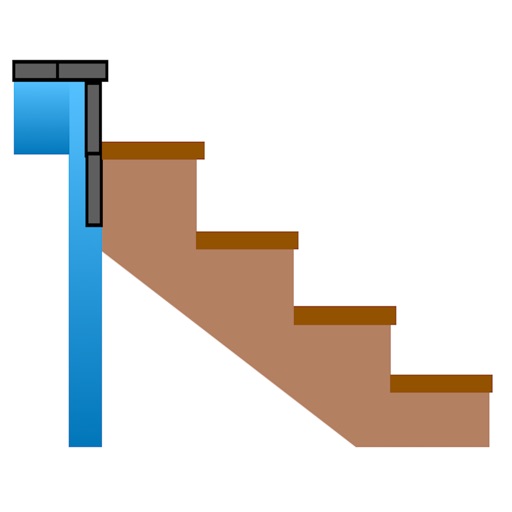
Calculate risers, run, angle, length, step height, tread depth, and number of steps. Adjust parameters for customization. Switch between Imperial and Metric units. Email or text results as needed.
Calculate as angle, percentage, or ratio using a right triangle. Enter two sides to find the remaining values. Display results clearly with unit options. Save and share calculations.
Measure tilt angles using device motion. Access a , surface , and camera features. Large buttons improve visibility. Flashlight enables use in low-light conditions.
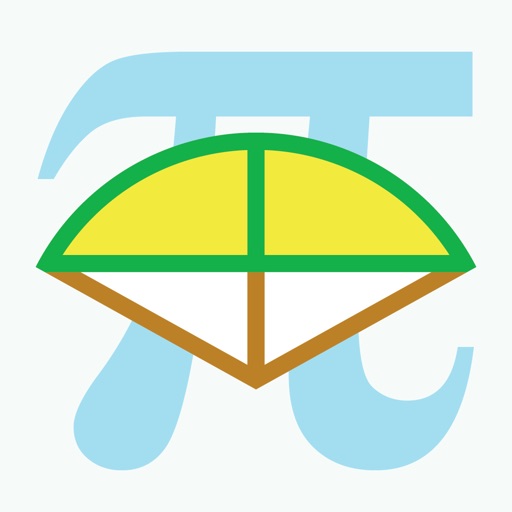
Calculate arc dimensions including radius, length, width, height, apothem, angle, and area. Input any two values to derive the rest. Useful for carpenters, architects, and engineers. Supports complex mathematical calculations.