
Apps Like AfterFocus for iPhone and iPad
Blur focus areas and apply filters
Create DSLR-style photos with background blur by selecting focus areas. Apply various filter effects for natural and realistic results. Adjust focus precision for professional-quality images.
AfterFocus screenshots
Ranked alternatives
Showing 501–520 of 1,000 ranked alternatives.

Colorfader
michele barbieri
Enhance images with color effects
Allows users to convert images to black and white while emphasizing specific objects or colors. Users can open existing images or capture new ones with the camera. They can zoom and pan using two fingers or paint with one finger.
Fogger XP
Giuseppe Cigala
Blur or pixelate video sections quickly
Hide video portions with blur or pixelation effects. Select areas to edit, adjust settings for intensity and shape. Auto-track faces or objects for automatic coverage. Save edited videos to the Photo Library.


CameraSim for iPhone
Tuitive, LLC
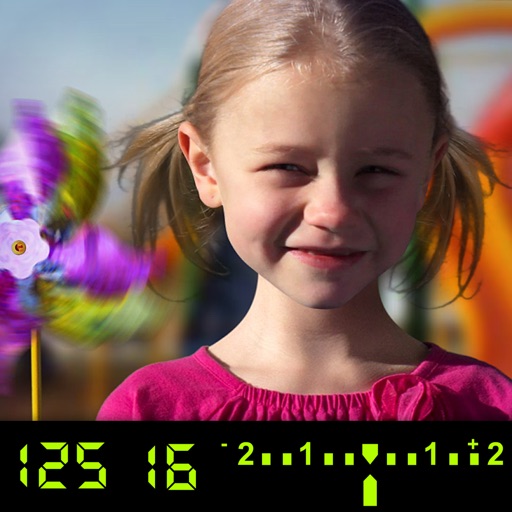
Learn DSLR camera controls visually.
The app visually explains DSLR camera controls. Users can experiment with settings and see the effects on a sample image, receiving feedback on their choices.

Text Behind AI
Outpost31, LLC
Place objects in photos
AI-powered placement allows users to embed objects in photos. Customize fonts, sizes, and colors. Adjust position and depth for professional-looking depth effects. Export edited images directly.

Video Blur: Mosaic Effect
丽蓉 赵
Blur videos with custom shapes
Blur videos in MP4, 3GP, WMV, and other formats. Define multiple blur areas using rectangles or custom shapes. Adjust blur intensity and duration for each area. Track moving objects and apply blur selectively.
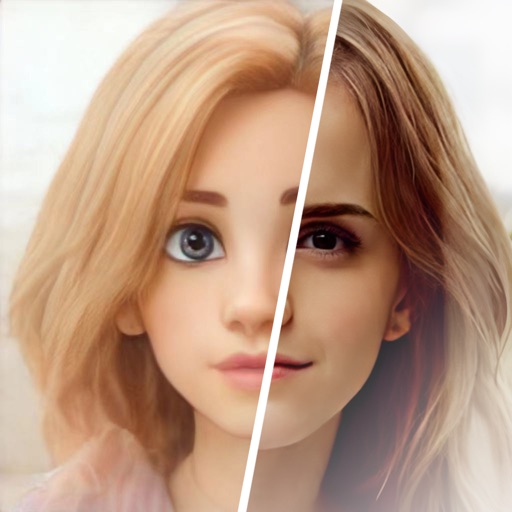
PicShop - Cartoon photo editor
素云 林
Edit photos and create art
Edit photos with , oil painting, art, dream, sketch, magic, anime, and comic filters. Apply effects to selfies or images. Save and share edited photos directly.

X SHOT - Sports Camera
Quantis, Inc.
Edit sports photos with filters tools.
The app offers filters and tools for editing sports photos. Users can adjust brightness, contrast, tone curve, and apply blur or focus effects.
How we rank alternatives
Apps are ranked by functional similarity, category fit, rating confidence, and popularity.