Apps Like CameraSim for iPhone for iPhone and iPad
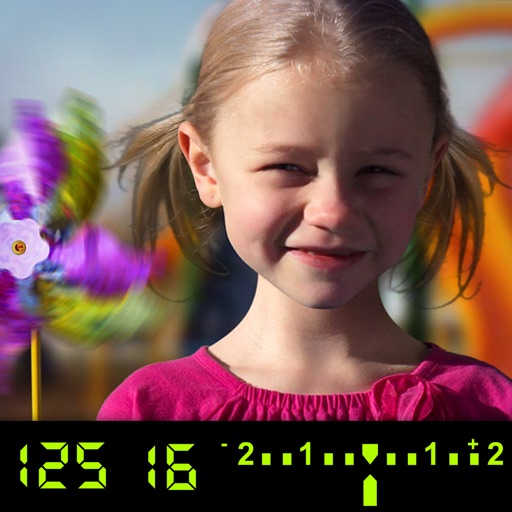
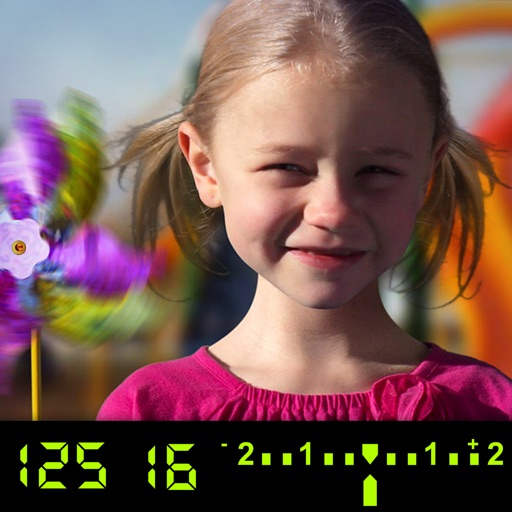
Learn DSLR camera controls visually.
The app visually explains DSLR camera controls. Users can experiment with settings and see the effects on a sample image, receiving feedback on their choices.
by Tuitive, LLC★ 2.02 ratingsEducation$1.99Data updated 2026-09-27
The app visually explains DSLR camera controls and allows users to experience the effects of various settings. It provides instant feedback and advice on user settings, making it a tool for learning photography.
Edit photos with enhancement tools, effects, and color splash. Add stickers, frames, and overlays. Create collages and custom drawings. Crop, rotate, flip, and straighten images. Adjust brightness, contrast, and saturation.
Capture photos and videos in film styles like 135 film, 120 film, toy cameras, and slide film. Apply real film grain and color tones. Record and save footage directly without post-editing. Share media directly from the .
Selective coloring allows users to add to specific image areas against a monochrome background. Recolor tools enable adjustments to hair and eye colors. Users can apply advanced editing options to enhance and customize their photos.
Edit photos with 200+ filters and AI art effects for enhanced visuals. Adjust brightness, contrast, and saturation. Add text, stickers, and animated effects. Export in various formats and share directly. Apply AI flash for vintage aesthetics.
Create animations using LEGO, clay, drawings, or everyday objects. Record frame-by-frame videos, adjust timing, and add sound effects. Export films in various formats and share directly.
Capture photos with light-field technology for DSLR-like quality. Adjust focus and aperture post-shoot. Create 3D lighting effects. Edit bokeh and make unlimited adjustments. Sync with other devices for seamless workflow.
Create and customize music with a modular interface. Access 300+ presets from professional sound designers. Adjust filters, oscillators, and effects. Export audio files and share directly. Sync with other apps and devices.
Capture photos using various modes including Photo, Burst, Slow Shutter, Portrait, and 3D. Record videos at VGA, 720p, 1080p, or 4K Ultra HD. Use shutter release options like Self-Timer, Anti-Shake, Screen Shutter, and Interval.
Edit photos with healing, brush, structure, HDR, and perspective tools. Open JPG and RAW files. Save custom styles for reuse. Apply selective filters with precise control. Adjust settings non-destructively and export as JPG.
Edit photos with filters, cropping, and adjustments. Access portrait mode, double exposure, and manual settings. Scan high-resolution films. Share images via social media. Participate in photography challenges and view community submissions.
Capture photos and videos with manual controls for ISO, shutter speed, and white balance. Shoot in RAW format for detailed editing. Apply advanced effects and instant color grading. Use professional filters to enhance visuals.
Edit photos with multiple camera models simulating DSLR, iPhone, and film styles. Use AI to enhance natural features and apply various portrait styles. Save money by avoiding camera purchases.
Capture cinematic moments with time-lapse and slow-
Control and manage Mobile and PRO devices. Set up time-lapse, slow-, or video moves. Capture smooth cinematic footage. Shoot long exposure timelapses with optional shutter cable for DSLR.
Allows users to or unblur specific areas of a . Apply Gaussian, Zoom, or Motion effects. Use Mosaic effects like Pixel, Crystalize, Dots, or Glass. Zoom and rotate for detailed editing.
RAY INFORMATICS YAZILIM TEKNOLOJI MEDYA DANISMANLIK VE EGITIM TICARET LIMITED SIRKETI
Edit portraits with AI precision
Edit portraits with AI-powered depth control and background blur. Adjust aperture, bokeh, and focal length for realistic DSLR effects. Capture cinematic shots with intuitive controls. Sync with Apple Health for fitness tracking.
Capture photos and videos with manual controls, exposure adjustment, and focus customization. Import and organize media from iOS photo library. Edit images with filters, cropping, and brightness adjustments. Share directly to social media or email.
Create sketches using ink and effects. Preview effects in real time via camera. Adjust settings for optimal results. Capture photos directly within the . Share finished sketches on social media platforms.