Edit photos by flipping or mirroring with a finger swipe. Resize images using the same gesture. Create mirrored copies next to original photos. Save and share edited images directly.
by Hor-Lin Khai★ 4.7544 ratingsPhoto & VideoFreeData updated 2026-09-08
The app allows users to create unique images with special effects by combining photos with text. Users can add stylish text, masking, collages, frames, filters, and geometric shapes to their photographs.
Edit photos using AI-powered transformations and ultra-realistic enhancements. Adjust lighting, colors, and details automatically. Remove objects or edit backgrounds with AI. Export edited images in various formats and share directly.
Edit photos with AI-powered removal and precise cutouts. Adjust colors, brightness, and contrast. Crop and resize images. Save and share edited photos directly. Export in various formats.
Compile HTML with a single tap. Edit code with adjustable splitter and zoomable viewer. Auto-save work and view changes instantly. Open links in a browser. Add images via the IMG button or folder. Resize splitter by dragging.
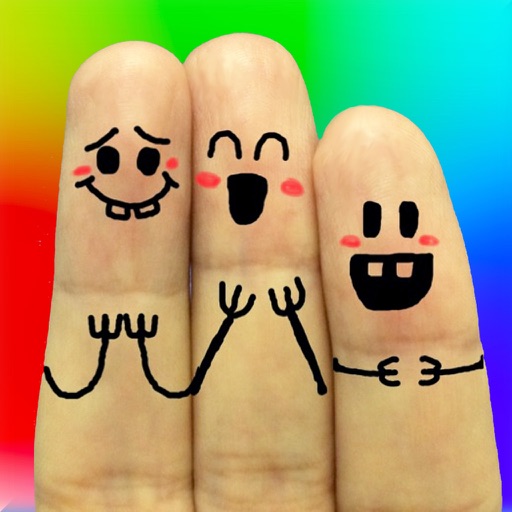
The app allows users to create finger faces using photos from their camera roll or by taking new pictures. Users can add faces, items, stickers, and text, or draw their own creations.
Resize images in bulk with batch processing capabilities. Convert file formats simultaneously. Adjust dimensions and aspect ratios. Save settings as presets. Drag and drop files for quick access.
Edit photos by blurring or pixelating faces with AI-powered detection. Black out license plates or other sensitive details. Save and share edited images directly.
Add a -themed frame to images. Choose from over 30 designs. Edit photos with cropping and filters. Save and share edited photos. Apply to both new and existing photos. Adjust brightness and contrast. Export photos in various formats.
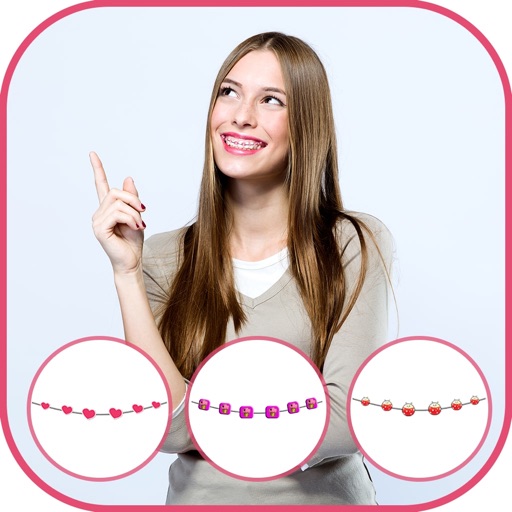
Apply to photos using the built-in image editor. Select from a gallery or take a new with the camera. Add to enhance images of children. Save and share edited photos directly.
Create logos, insignias, and emblems with customizable templates and 3D art tools. Design banners, thumbnails, and stickers. Export in multiple formats and share directly.
Convert photos to 2x2 inch size for US , , DS160, and DV Lottery applications. Adjust brightness, contrast, and background. Crop and resize images. Export in standard format for submission.
Edit selfies and photos with AI retouching, body shaping, and beauty enhancements. Adjust skin tone, remove blemishes, and enhance details. Save and share edited images directly.
Access and edit royalty-free images and vectors. Add text, stickers, and effects to images. Share edited content on social platforms. Edit for personal or commercial use without copyright restrictions.