Edit photos by flipping or mirroring with a finger swipe. Resize images using the same gesture. Create mirrored copies next to original photos. Save and share edited images directly.
by Hor-Lin Khai★ 4.7544 ratingsPhoto & VideoFreeData updated 2026-09-08
Edit photos with -themed and backgrounds. Add text and customize images. Choose from over 50 frame options. Import photos from gallery or capture new images. Share edited photos directly.
Edit photos with , , and AI cutout tools. Apply neon, glitch, and overlay . Add doodles, artistic text, and fun stickers. Share edited photos directly to Instagram, WhatsApp, Facebook, and Messenger.
Edit photos with one-touch filters for vivid, delicious results. Adjust brightness, contrast, and saturation. Add text overlays and stickers. Share edited images directly to social media or blogs.
Edit photos with filters, cropping, and rotation tools. Add text and stickers. Export in multiple formats and share directly. Adjust brightness, contrast, and saturation. Apply artistic filters for enhanced visuals.
Combine multiple photos into customizable frames or collages with 55 adjustable templates. Add rounded corners, effects, shadows, and patterns. Choose colors using an easy color picker. Save projects and share via Facebook, Email, or Twitter.
Resize images to standard resolutions for social media, presentations, or printing. Adjust dimensions manually or use predefined options. Support multiple formats including JPG, JPEG, PNG, PDF, TIFF, BMP, GIF.
Auto-resizes photos to fit ly on social media platforms. Scans photo library and adjusts dimensions for optimal display. Allows users to select and resize images directly within the .
The app resizes and renames many photos to decrease their file size. It allows users to rotate, crop, add watermarks, and alter colors or brightness for all images simultaneously.
Photos to reduce file size without losing quality. images to fit specific dimensions for social media or web use. Organize gallery by managing photo sizes and formats.
Create photos with effects and light leaks. Apply 36 shapes and 33 light leak effects. Use 23 image filters. Adjust size, opacity, and color. Draw multiple shapes with touch. Apply multiple shapes to one photo.
Edit photos with light filters, including circle, frame, star, heart, glasses, and lines. Add text with customizable vector graphics. Apply coloring and create templates for creative artwork. Export edited images directly.
Edit photos with body transformation tools, one-touch filters, and cropping. Apply mosaic and blur effects to background. Add vignette. Adjust and share edited images directly.
Convert to black and white by selecting images and swiping horizontally or vertically. Adjust brightness, contrast, and grain. Export edited to photo library or share directly.
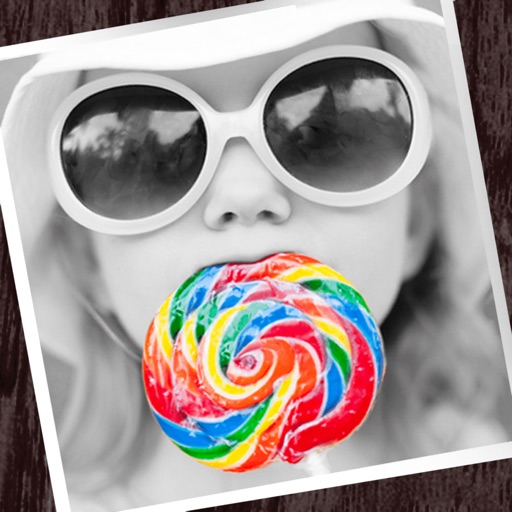
The app allows users to apply monochrome filters and effects to specific parts of an image by rubbing with a finger. Users can also reduce or enlarge images using a pinch gesture.