Edit photos by flipping or mirroring with a finger swipe. Resize images using the same gesture. Create mirrored copies next to original photos. Save and share edited images directly.
by Hor-Lin Khai★ 4.7544 ratingsPhoto & VideoFreeData updated 2026-09-08
Create AI avatars that reflect your appearance. Blend faces into creative scenes or artwork. Edit photos with advanced AI tools. Customize edits with detailed settings. Export edited images in high quality.
Edit photos by mirroring selected areas with 8 unique . Choose from 3 modes including scaled options. Adjust points in real time. Save and share modified images directly.
Allows users to add handwritten memos and photos to calendar entries. Users can take photos using a camera-equipped iPad, resize images, and input text directly into calendar events.
Compress videos, images, and audio files to without quality loss. Choose from multiple quality settings. Supports MP4, MOV, AVI, MKV, and HEV formats. Export compressed files directly to device or cloud.
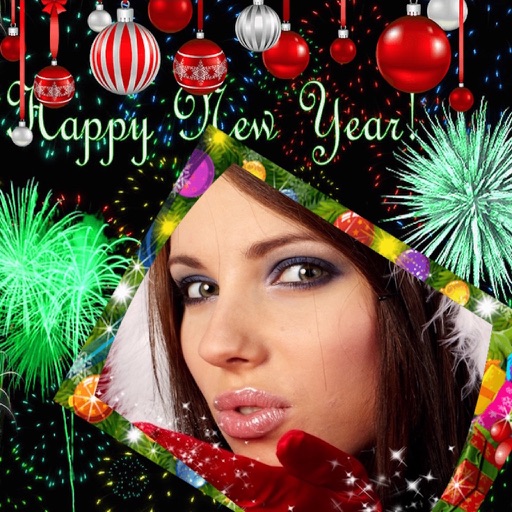
Edit photos with New and collages. Add text and custom greetings. Create cards for wishes. Decorate images with realistic effects. Share edited photos directly.
Edit photos with New and Christmas frames. Add text, stickers, and effects. Share edited photos directly to social media or messaging apps. Adjust brightness, contrast, and saturation for enhanced visuals. Export in various image formats.
Edit photos by removing objects using lasso, rubber, and restore tools. Add custom backgrounds and share edited images with friends. Cut out objects for realistic results.
Create notes on photos directly from the Photos without opening another . Edit images with cropping, adjustments, and text overlay. Use action extension to edit photos from any .
Edit images by reshaping faces and parts. Adjust nose size, lips, chins, and facial contours. Simulate weight loss or muscle enhancement. Modify any feature with drag-and-expand tools. Save and share altered images directly.
Create movies by combining videos, photos, music, text, recordings, and finger drawings. Add transitions, effects, and captions. Export and share finished projects directly.
Edit photos with a wide range of effects, from basic adjustments to advanced graphic transformations. Repaint images using various brushes and import Photoshop brushes. Share edited photos on Instagram with the # tag.
Convert black and white images to using selective recoloring. Select photos from the gallery or capture new ones. Pan and zoom for precise editing. Resize and fit images to the screen. Use redo and undo features for error correction.
Select a monument from the collection. Crop a photo by pressing the silhouette button. Draw the desired area your finger to cut out your figure. Position yourself within the chosen image section.
Photos by flipping horizontally or vertically. Create reflections and repeating patterns. Apply effects and frames. Design collages with multiple layouts. Export and share edited images.
Apply effects to photos in real time with 8 live lenses. Add 60 live filters to lenses or use 60 static filters for creative enhancements. Capture and share edited images directly.
Create collages by combining multiple photos into layouts. Choose from 50+ grid styles and tree or 3D modes. Edit photos with cropping, filters, and text addition. Share finished collages directly.
Create reflection for photos with left-right, up-down, and repeating options. Apply cool filters and artistic frames. Edit images to generate twins and typography .
Convert to grayscale and highlight a specific . Tap to select the to emphasize. Preserve detail and apply effects using advanced computer vision. Export edited images directly.