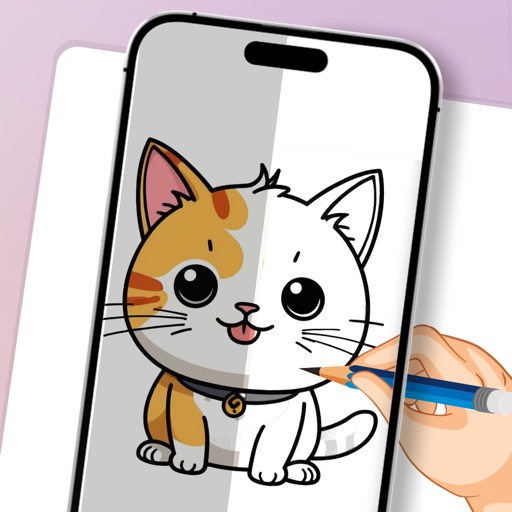
The app replaces the Mac desktop with a drawing surface for notes and sketches. Users can draw freely with multiple pens, add text, and export doodles in various formats.
by James Griffin★ 0.00 ratingsProductivity$3.99Data updated 2026-09-25
Create sketches and drawings using built-in brushes and canvases. Trace real-world images with AR technology. Save and share artwork directly. Adjust brush size and opacity for detailed work. Import images to base drawings on.
Draw and sketch with pen, eraser, or lasso tools. Adjust pen thickness and color. Change canvas background color. Zoom and pan the canvas. Save and share drawings in one step.
Create and on a blank canvas or in real-world space using AR. Generate images with AI. Apply color and use simple tools to edit outlines. Sync drawings across devices. Export creations in various formats.
Turn your iPad or iPhone into a secondary for Mac or PC. Run apps side by side, extend desktop space, and multitask efficiently. Connect via USB and use as a portable productivity tool.
Create interactive prototypes from sketches and wireframes. Tap to simulate navigation and user interactions. Share prototypes with others for feedback. for iPhone, iPad, and Apple Watch.
Write on PDFs, create notebooks with customizable templates, sketch notes on a large freeform canvas, and take notes on vertically extended pages. Organize content across different document types and layouts.
Take notes, sketch, and plan in a single with realistic ink and paper. Create custom tools and choose from colored paper types. Collaborate on documents and sync notes across devices. Write and draw with infinite width pages.
Map ideas, organize thoughts, collaborate remotely
Create and organize maps with drag-and-drop nodes and customizable branches. Add notes, links, and images to ideas. Share maps for real-time collaboration. Export in multiple formats and integrate with cloud storage.
Use AR to and real-world objects. Trace or create images using augmented reality. Add layers and adjust opacity. Export drawings in various formats and share directly.
Use AR to draw on real surfaces by outlines. Share drawings with others. Learn techniques through interactive lessons. Practice new skills in a realistic environment. Export artwork in various formats.
Create vector art using Bézier tools and Apple Pencil. Convert sketches or photos to SVG format. logos, icons, illustrations, and UI assets. Export vector files for production use. Refine curves and edit vector drawings directly.
Take notes and sketch on virtual paper, PDFs, Word, Excel, PowerPoint documents, and images. Zoom in and out freely without limits. Use a free pen and purchase additional pens. Customize paper sizes and styles without restrictions.
Create and organize boards for teamwork. Add sticky notes, drawings, and images. Collaborate in real time with team members. Drag and drop elements to rearrange. Comment on notes and track changes. Export boards as images or PDFs.
Create mind maps and brainstorming diagrams by placing ideas anywhere on an infinite canvas. Link concepts with lines and tags. Export notes as images or PDFs. Share notes via email or cloud services.
AR : Project sketches onto real-world surfaces for accurate proportions. Use stand mode for stable, low-latency . Convert paper sketches into digital art with precise tracing and editing tools. Save and export artwork in multiple formats.
Create digital art with natural-media brushes and exclusive media types. Sketch, draw, and paint on a blank canvas. Transform photos into artwork using AI and cloning tools. Access advanced features with a subscription.
Create animations using a drawing interface with tools for sketching and refining artwork. Import images or draw frames manually. Export animations as GIFs or videos. Share creations directly from the .
Capture notes and ideas instantly. Tag and assign items for quick access. Complete to-do tasks with one-swipe. Upload photos and files from your device. Organize ideas with infinite nesting. Manage activities using kanban boards.