
Workflowy: Note, List, Outline
Capture notes, plan tasks, organize ideas
FunRoutine INC
iPhone Screenshots
Description
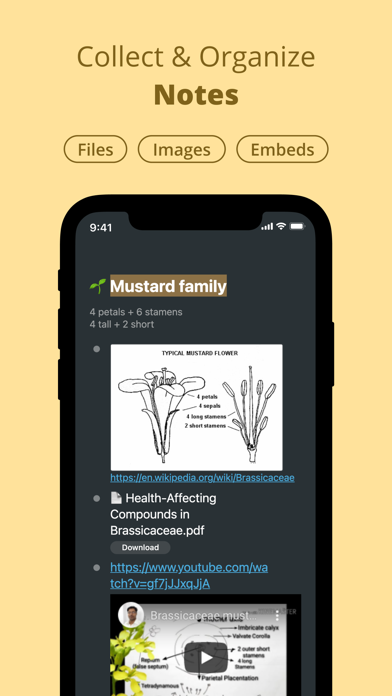
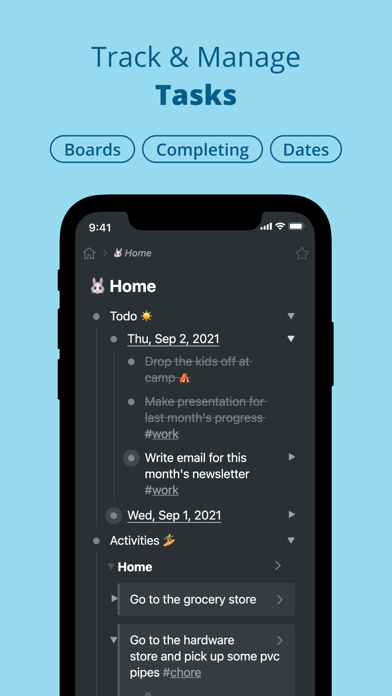
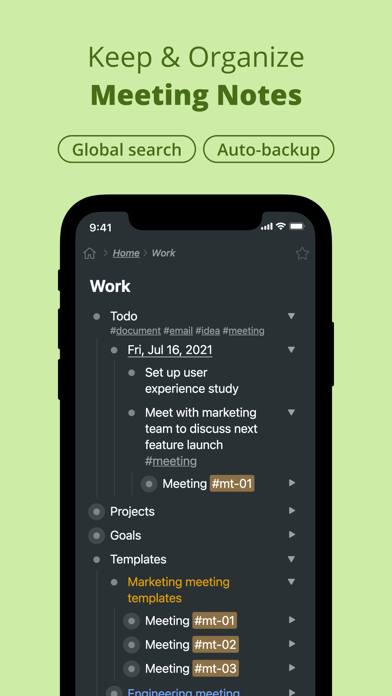
Capture notes and ideas instantly. Tag and assign items for quick access. Complete to-do tasks with one-swipe. Upload photos and files from your device. Organize ideas with infinite nesting. Manage activities using kanban boards.
Workflowy is a simple, distraction-free app for capturing notes, managing tasks, and organizing your thinking.
Infinitely nestable, surprisingly powerful - it helps you manage all the information in your life.
With Workflowy you can:
• Capture notes and ideas in an instant
• Organize complex thinking with infinite nesting
• Ask AI to summarize, rewrite, or brainstorm with your notes
• Plan and manage tasks with kanban boards
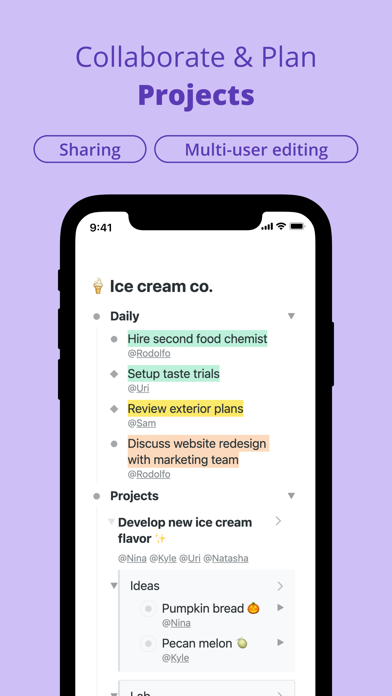
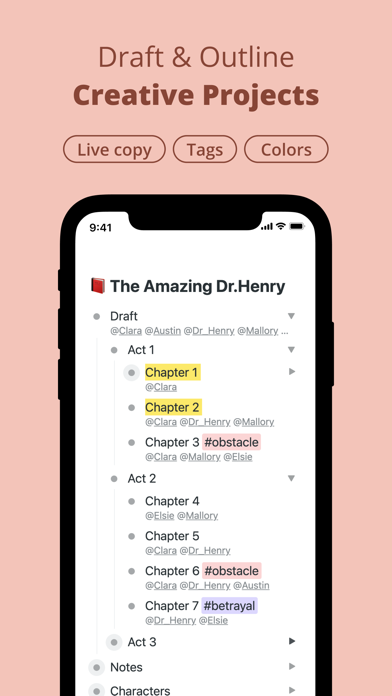
• #Tag and @assign items to stay on top of things
• Link items across lists - edit once, update everywhere
• Share and collaborate in real-time
• Upload photos, files, and embed videos
• Search and filter your entire Workflowy in seconds
Workflowy syncs across all your devices and auto-saves everything. No more missing notes or lost files.
Trusted by teams and thinkers at: Atlassian, Slack, The New York Times, and thousands of entrepreneurs, writers, engineers, scientists, and students worldwide.
Feature highlights:
• Infinitely nested lists
• Workflowy AI (chat with notes, AI nodes, quick actions)
• Calendar
• Kanban boards
• Mirrors (live synced copies)
• #Tags and @mentions
• Date organization with /date shortcuts
• Global text search and filtering
• Simple sharing and permissions
• Works offline
• Syncs with desktop and web
• One-swipe task completion
• File uploads and image attachments
• Highlight text and color tags
• Item starring
• YouTube and X embeds
• MFA (Multi-factor authentication)
• Expand and collapse lists
• Mobile keyboard shortcuts
Terms of Use (EULA): https://www.apple.com/legal/internet-services/itunes/appstore/dev/stdeula/