The app replaces the Mac desktop with a drawing surface for notes and sketches. Users can draw freely with multiple pens, add text, and export doodles in various formats.
by James Griffin★ 0.00 ratingsProductivity$3.99Data updated 2026-09-25
Turn text into digital artwork instantly. Remix photos into new styles. Design custom logos and visuals. Generate high-quality images without design skills. Edit and export AI-generated art in various formats.
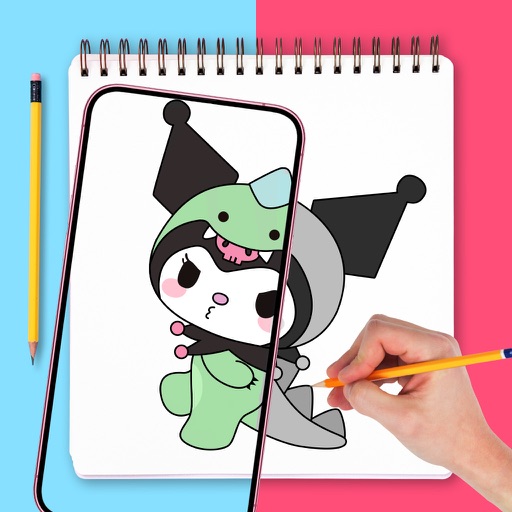
Use augmented reality to draw on any surface. Trace outlines, adjust colors, and add textures. Save and share drawings. Access tutorials for beginners. Export in various formats.
Use camera to draw and paint in augmented reality. Access tracing templates for animals, cars, nature, food, anime, and more. Adjust brush size and color. Save and share artwork directly.
Take handwritten notes with stylus or fingers. Import and annotate PDFs. Add text, images, shapes, and stickers. Move, resize, or rotate objects. Use layers for organization. Export documents as PDF.
Create flipbook animations with frame-by-frame drawing. Use pressure-sensitive pen and eraser tools for artistic effects. Edit with undo/redo features. Add predefined animations and effects. Export and share finished projects.
Can and color with tools like pencils, brushes, and crayons. They can create paintings of animals, fruits, and vehicles. Includes pages for princesses and toddlers. Features a drawing book and creative doodling options.
Take notes and sketch ideas with natural pen-like ink. Resize and reposition elements with finger gestures. Organize thoughts by rearranging concepts visually. Sync notes across devices and export in various formats.
The app offers unlimited board size and color choices for pens and backgrounds. Users can import photos, print snapshots, and utilize undo/redo functions.
Create and annotate diagrams with drawing tools. Add text and shapes. Share boards via links or email. Collaborate in real-time with others. Export as images or PDFs. Customize colors and line thickness. Save and organize boards in folders.
Paint X is a digital sketchpad for drawing, coloring, and editing pictures. The app offers realistic digital brushes and over 150 built-in brushes for creative projects.
With AR to images or text on real surfaces. Use guided frames for beginners. Create sketches and color them. Export artwork in various formats. Sync projects across devices.
Take notes with customizable brushes including pencil, pen, brush, and marker options. Annotate PDFs and sketch lightly. Organize notes with a clean, distraction-free interface. Export notes in multiple formats and sync across devices.
Create and organize notes with a freeform canvas for sketching, annotating PDFs, and journaling. Use AI to generate text from handwriting, search notes by content, and structure ideas with tags and folders.
Infinite : No size limits—draw endlessly, in for detail or out for overview. Create, sketch, plan, and mind-map without boundaries. Export artwork in multiple formats and share directly.