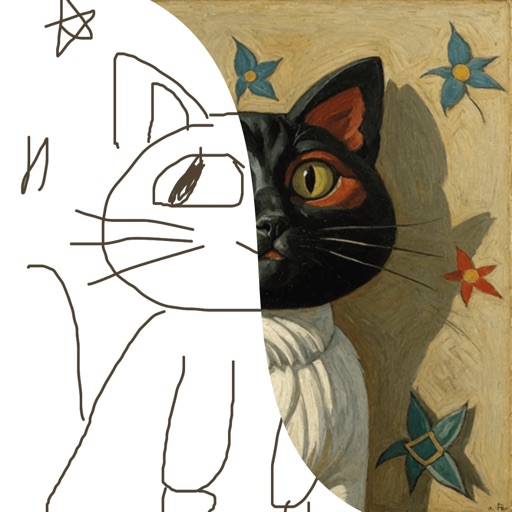
The app replaces the Mac desktop with a drawing surface for notes and sketches. Users can draw freely with multiple pens, add text, and export doodles in various formats.
by James Griffin★ 0.00 ratingsProductivity$3.99Data updated 2026-09-25
Create illustrations, logos, and UI designs with precise drawing tools. Import and edit graphics. Organize projects in workspaces. Export in multiple formats. Collaborate in real-time with others. Adjust colors, shapes, and layers.
Learn to draw with -by- tutorials and AI guidance. Use your phone's camera as a projector to trace and practice. Access drawing lessons for all skill levels, from beginner to advanced.
Create customizable notes with text and images to organize tasks and assignments. Use speech-to-text to capture lecture highlights and convert spoken words into written notes. Add personal details to track deadlines and project progress.
Create and share digital artwork with tools, layers, and color palettes. Upload sketches to a personal virtual . Collaborate with others by commenting and viewing artwork. Export creations in various formats and share via social media or email.
To cute art with step-by-step lessons. Choose from categories like smilies, food, fruits, and trees. View drawings in list or grid format. Follow detailed instructions to create each illustration. Save and share completed drawings.
Create art using augmented reality tools and follow step-by-step artist-led tutorials. Access daily for various mediums like acrylic, pencil, and watercolor.
Place tiles to form words, using wildcard modifiers called . Construct words from a draw pile while avoiding disruptive characters. Customize board layout and track progress through challenges.
Draw sketches and notes with intuitive tools. Use built-in templates for wireframing. Access line and dot grids for precise alignment. Shake to clear the canvas. Share drawings directly with teammates.
Create and organize digital index cards for brainstorming, planning, and task management. Drag and arrange cards freely. Add text, images, and notes. Group cards into folders. Export or share content as needed.
Allows users to project sketches onto surfaces using their phone's camera. Users can projected images onto paper, walls, or objects. The enables customization of drawing settings and provides real-time feedback during tracing.
Create art from sketches or text descriptions using AI. Upload drawings or describe images to generate artwork. Edit and export generated art in various formats.