Edit photos with advanced filters, color adjustments, and mathematical transforms. Apply custom brushes and import Photoshop brushes, curves, and fonts. Repaint images and export in various formats. Share edited work on Instagram.
by Teresa Alonso★ 4.5256 ratingsPhoto & VideoFreeData updated 2026-09-08
Edit photos with light filters, including circle, frame, star, heart, glasses, and lines. Add text with customizable vector graphics. Apply coloring and create templates for creative artwork. Export edited images directly.
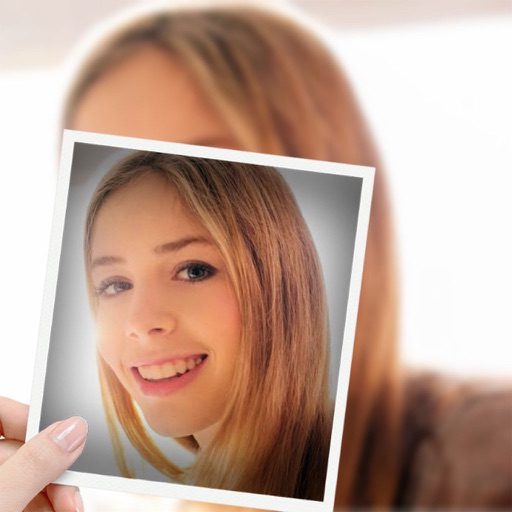
Take selfies with pip effects and apply filters like sepia and vintage. Create collages and edit photos with various effects and frames. Select images or capture new ones and enhance them with pip features. Share edited photos directly.
Create and share digital artwork with tools, layers, and color palettes. Upload sketches to a personal virtual . Collaborate with others by commenting and viewing artwork. Export creations in various formats and share via social media or email.
Edit photos with single-tap filters, brightness, opacity, contrast, blur, and focus adjustments. Rotate, crop, and resize images. Share to Facebook, Twitter, or Instagram. Save to photo library or send directly.
Edit photos with auto features, one-click optimization, and skin smoothing. Apply filters and stickers for enhanced visuals. Create custom grids and effects for selfies. Share edited photos directly.
Edit photos and videos with overlays, vintage effects, and 100+ filters. Adjust lighting, add dust effects, and create custom presets. Export edited content for Instagram, TikTok, or Pinterest. Sync edits across devices.
And edit with drawing tools, text, and photo insertion. Adjust text formatting, color, and effects. Resize and rotate text and images. Save and share creations via social media apps.
Edit photos using advanced tools like Curves, Selective Saturation, Vignette, Sharpen, Contrast, Exposure, and Tone. Apply Dust and Leak overlays for stylistic effects. Adjust brightness, color, and clarity. Save and share edited images directly.
Capture and edit real estate photos with advanced tools. Apply professional-grade filters and adjustments. Export edited images directly. Access tutorial videos for photography tips. Receive near-pro results via email.