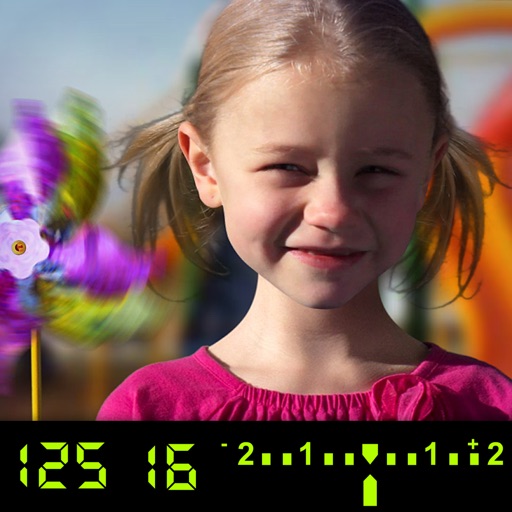
The app visually explains DSLR camera controls and allows users to experience the effects of various settings. It provides instant feedback and advice on user settings, making it a tool for learning photography.
by Tuitive, LLC★ 3.613 ratingsEducation$1.99Data updated 2026-11-01
Teaches letter shapes and pronunciation. Guides correct letter formation with step-by-step strokes and direction. Includes difficulty levels for assisted . Helps recognize and practice pre-cursive and print block handwriting.
Measure light levels using aperture and shutter priority modes. Select ISO, aperture, or shutter speed values. Switch between priority modes based on camera settings. Use front or back camera for light measurement.
Calculate exposure with a light meter and exposure calculator. Use a depth of field calculator to adjust focus settings. Access a sun calculator for shooting conditions. View all metrics on an intuitive interface.
Create pixelated photos with customizable frames. Apply blur and black-and-white effects. Adjust touch controls for creative effects. Choose from available frames or customize your own. Export and share the final image.
Edit photos with color and film filters, vintage textures, and light leak effects. Adjust brightness, contrast, and saturation. Add vignettes and analog film sensations. Export edited images in various formats.
Record videos in 4K up to 60 fps and 1080p up to 240 fps. Adjust shutter speed, ISO, and white balance manually. Apply high-fidelity audio tools and professional filters. Edit footage with precision and export in various formats.
Edit photos with vintage effects, artistic filters, and professional adjustment tools. Crop, resize, and enhance images. Add text and stickers. Export in multiple formats and share directly. No registration, ads, or watermarks.
Edit photos with filters, effects, and auto retouching. Apply unique styles and vintage looks. Adjust brightness, contrast, and saturation. Add text and stickers. Export and share edited images directly.
Create depth maps from single camera images using AI. Adjust focus distance for realistic blur effects. Generate 3D photos with parallax to simulate depth. Apply depth of field and 3D effects to enhance visual depth.
Take photos with color and sharp filters. Apply whiteness and beauty skin effects. Combine filters and colors for custom looks. Add contacts in 64 pattern colors. Use filters in both camera and alarm modes without charge.
Explore the of Athens through 3D scenes. Learn about historical sites, architecture, and events. View detailed information on ancient Greek history. Access content in multiple languages.
Capture photos using a built-in camera and save them to selected albums. Create double exposures or use booth mode. Organize media into albums and browse for specific images. Edit photos with filters, cropping, and adjustments.
Take photos with high-resolution settings. Apply 40 free filters, including a popular pink filter. Edit images with color adjustments and effects. Add creative accents to photos. Share edited photos directly from the .