
Magnifying Glass
Jeff Hanel
Magnify text with infinite zoom.
The app provides infinite digital zoom and functions as a camera. Users can freeze the view, apply filters, and control focus and exposure.
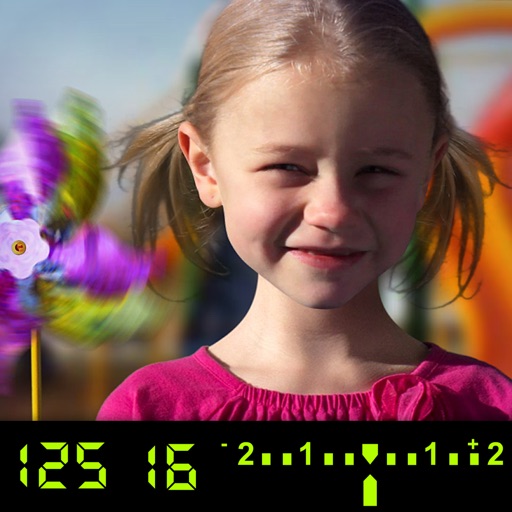
Learn DSLR camera use interactively.
The app visually explains DSLR camera controls and allows users to experience the effects of various settings. It provides instant feedback and advice on user settings, making it a tool for learning photography.
Showing 181–200 of 1,000 ranked alternatives.
Jeff Hanel
Magnify text with infinite zoom.
The app provides infinite digital zoom and functions as a camera. Users can freeze the view, apply filters, and control focus and exposure.

Web Triangle LLC
Recite Surahs, listen, and bookmark
Recite and listen to five commonly read Quranic surahs: Yasin, Mulk, Al Waqiah, Ar Rahman, and Al Kahf. Access translations in English, Hindi, Bengali, and Malay. Highlight key verses for reference.

Hareshbhai Issamaliya
Apply blur to photos and videos
Blur image backgrounds to create effects. Select photos from gallery or capture new images. Apply multiple blurring tools to adjust blur intensity. Export edited photos to device storage.

minical Inc.
Capture photos and videos in full resolution
Capture photos and videos with high resolution up to 4032x3024 and 4K. Switch between front and back cameras. Use face detection, grid, and image stabilization. Zoom up to 10x. Adjust focus and exposure by tapping.


Sylwester Los
Capture, edit, and view videos easily.
The app offers video capture, editing, and viewing features. It includes adjustable frame rates, video stabilization, and HDR mode.

MotionOne Co.,Ltd.
Blur focus areas and apply filters
Create DSLR-style photos with background blur by selecting focus areas. Apply various filter effects for natural and realistic results. Adjust focus precision for professional-quality images.


Misha Malkin
Create on iPhone
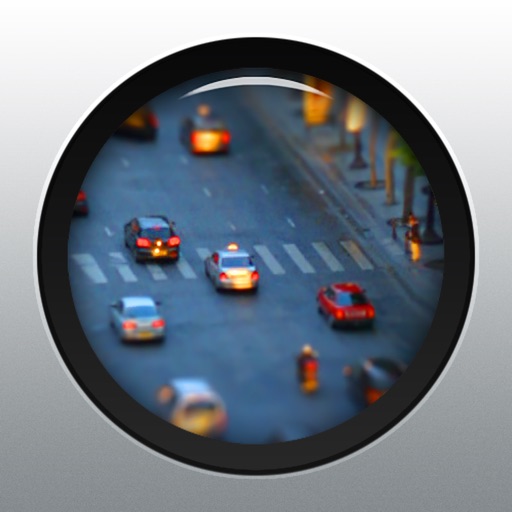
Create by adjusting shooting intervals. Apply tilt & shift blur and enhance color saturation. Record directly on the device.


Jangul Yedilova
Capture photos and videos in 0
Capture photos and videos with a for a vintage look. Adjust noise levels and apply retro filters. Record audio with a simple interface. Save and share images in low-resolution format.

Julio Vasquez
Edit videos and share on social media
Edit videos with controls including focus, exposure, ISO, and white balance. Apply slow motion, speed up, add borders, filters, text, music, blur, emojis, and stickers. Share directly to YouTube, Facebook, Snapchat, Twitter, and Instagram.

Apostolos Apostolidis
Explore nearby places and events
Discover nearby places, events, and points of interest with real-time location data. Access offline maps and information. Save articles to a reading list. View Wikipedia content. Navigate without internet connectivity.


Guangzhou Yuanye Technology Co., Ltd.
Capture stars, moons, and scenes
Capture sky photos with AI-enhanced low-light imaging. Adjust exposure, focus, and composition manually. Save and share high-resolution images. Sync with cloud storage for backup.

sky-nexus Inc.
Capture photos and videos triple camera support
Take high-quality photos and videos using triple or dual camera support. Apply over 30 filters to enhance images. Switch between lenses automatically or manually. Adjust zoom up to 15x and switch resolutions. Lock focus and exposure for stable shots.


Quantis, Inc.
Edit photos with filters and effects
Edit photos with vintage filters, film grain, and color adjustments. Crop, rotate, and apply borders. Save and share edited images in various formats.

Apps are ranked by functional similarity, category fit, rating confidence, and popularity.