Apps Like Blur Me: Image Blurring for iPhone and iPad
Create polished selective blur effects.
The app offers selective blur effects including motion, disc, and zoom. Users can compare original and edited images with a live split preview and save custom effect settings.
by 福恩 毛★ 3.02 ratingsEntertainmentFreeData updated 2026-09-24
Edit photos with filters, effects, and AI tools to remove or blur backgrounds. Add stickers, text, and frames. Apply glitch, neon, and drip effects. Adjust colors and crop images. Export and share edited photos directly.
Backgrounds using artificial intelligence for quick depth effects and portrait mode. Adjust intensity manually. Unblur photos if needed. Share edited images directly to Instagram.
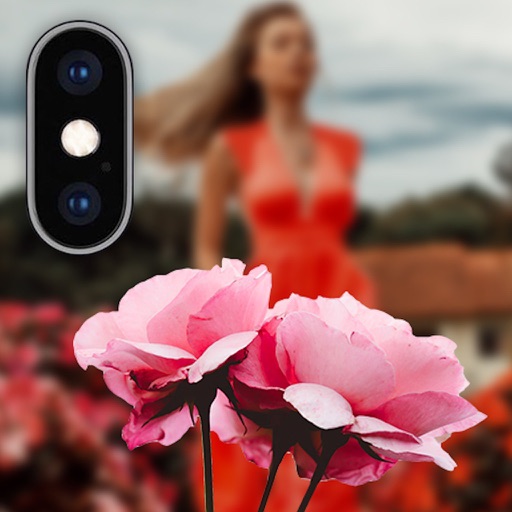
Create portraits with lens blur. Apply realistic bokeh effects with a custom engine that samples 500 times per pixel at 4K resolution. Adjust blur intensity and shape. Export edited images in high resolution.
Take photos with single-tap effects and professionally designed filters. Adjust brightness and contrast. Apply blur and focus. Rotate and crop images. Export edited photos in various formats.
Split videos into customizable 15-second clips. Save high-quality clips to the photo library. Choose from predefined durations or set custom lengths. Share clips directly to social media platforms.
Allows users to images with a single tap. Choose from pre-made templates or apply filters to enhance photos. Automatically or manually backgrounds. Add emotions and creative elements to improve visuals.
Edit photos with one-tap tools including Gaussian, zoom, and motion . Adjust brush size and apply glass, crystalize, or pixel effects. Save edits in low or high resolution to camera roll.
Edit photos with filters, effects, and auto retouching. Apply unique styles and vintage looks. Adjust brightness, contrast, and saturation. Add text and stickers. Export and share edited images directly.
Edit photos with single-tap effects and professional filters. Adjust brightness and contrast. Apply blur and focus tools. Enhance portraits with specialized filters. Export edited images in various formats.
Edit photos by flipping or mirroring with a finger swipe. Resize images using the same gesture. Create mirrored copies next to original photos. Save and share edited images directly.
Create artistic images with single-tap camera effects and professionally designed filters. Adjust brightness, contrast, and tone curve. Blur and focus images. Rotate, crop, and resize photos. Add text and fun stickers.
Create blur effects by tracing fingers over photos, with automatic border correction for natural results. Zoom in or out using pinch gestures for precise adjustments. Check results by tracing over the screen.
Photos by selecting and painting over areas with a magnifying glass tool. Adjust intensity and apply pixelation effects. Remove blemishes and add filters. Export edited images in high resolution.
Create and share digital art customizable brushes, unlimited colors, and layer support. Zoom, pan, and adjust brush parameters. Rotate, mirror, and undo steps. Participate in challenges like tracing or completing others' drawings.
Edit videos and to create tilt-shift effects with adjustable parameters like depth of field and focus. Apply filters, adjust colors, and add motion blur. Export edited content in various formats and share directly.
Apply effects to photos including sepia tone, grain, darkened edges, distressed paper, and faded highlights. Adjust intensity settings and export edited images in various formats.
Edit photos with 60+ high quality filters and 10 types of grain effects. Adjust exposure, shadows, and contrast. Add bloom for highlights and soften the image. Export edited photos in various formats.
Edit photos with brightness, saturation, and contrast adjustments. Add text, stickers, and memes. Crop, rotate, and straighten images. Apply effects and frames. Sharpen or blur photos. Import images from the camera roll. Fix red tones.