Apps Like Blur Me: Image Blurring for iPhone and iPad
Create polished selective blur effects.
The app offers selective blur effects including motion, disc, and zoom. Users can compare original and edited images with a live split preview and save custom effect settings.
by 福恩 毛★ 3.02 ratingsEntertainmentFreeData updated 2026-09-24
The app allows users to select a photo and create a blurred frame effect instead of cropping. Users can adjust the blur and fade effects and save the modified photo to their gallery for sharing.
Edit photos with filters, contrast, brightness, and color adjustments. Add text, stickers, and drawing tools. Customize images and landscapes. Export in high quality. Access a free image library. Apply advanced editing features.
Edit videos to obscure sensitive details like faces, eyes, and license plates. Apply pixelation or with a single tap. Work locally without cloud storage. Save and share edited videos directly.
Edit photos with cropping, resizing, and removal tools. Apply filters, adjust colors, and add text overlays. Export images in various formats and share directly to social media or online stores.
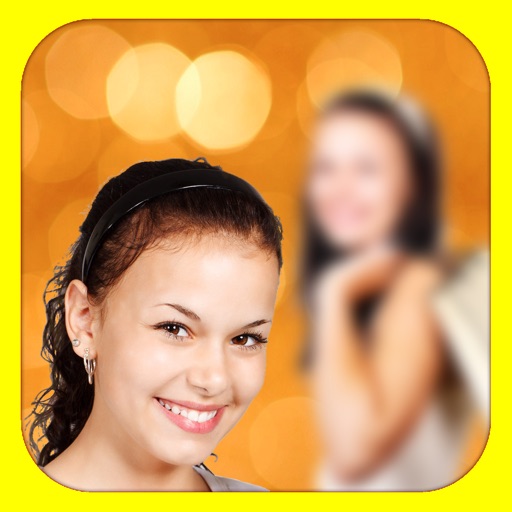
Create DSLR-style photos with background blur by selecting focus areas. Apply various filter effects for natural and realistic results. Adjust focus precision for professional-quality images.
Create widgets with photo, placeholder, emoji, text, date, or custom content. Choose from multiple layout types for medium and large widgets. Add transparent backgrounds with blur effect and optional borders.
The app adds depth of field to images, creating realistic blurs with Bokeh effects. Users can adjust blur amount, paint focus areas, and share creations on social media or save them.
Take photos with color and sharp filters. Apply whiteness and beauty skin effects. Combine filters and colors for custom looks. Add contacts in 64 pattern colors. Use filters in both camera and alarm modes without charge.
Edit photos with splash effects, convert images to black and white, or apply custom colors. Add filters, zoom in on photos, and use a brush tool. Export and share edited images directly.
Edit videos with AI-powered enhancements like upscaling, noise reduction, motion blur, and frame rate adjustment. Create slideshows from photos, add music, and generate memes. Boost quality and export in various formats.
Edit photos and videos with vintage and retro styles using curated presets. Apply filters to adjust color, contrast, and tone. Use templates for minimal, paper, film, or polaroid effects. Export edited content in various formats and share directly.
Create blur effects by tracing fingers over photos, automatically corrected for natural results. Zoom in or out with pinching gestures for precise . Check results by tracing over the screen.
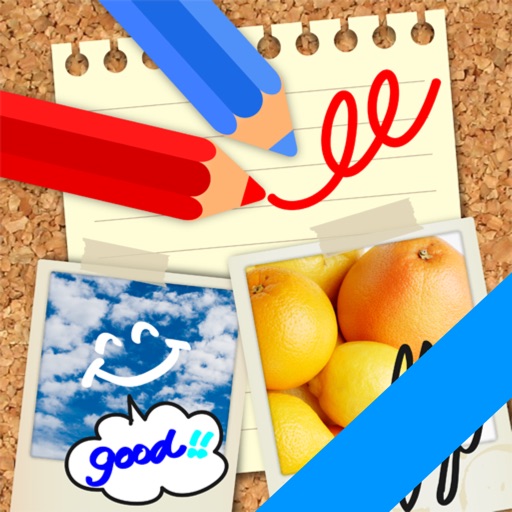
Edit images by on photos and adding text. Choose from 45 colors and five pen thicknesses. Use zoom editing and undo functionality. Share edited images via email, Twitter, and Facebook.