The app offers time lapse photography tools for users of all skill levels. It records directly to video, eliminating lengthy construction from still frames, and supports front and back cameras.
by Darren Reely★ 3.01 ratingsPhoto & VideoFreeData updated 2026-09-24
Offers control over ISO, shutter speed, focus, and white balance. Users can shoot high-resolution photos and cinematic videos. Features include -style settings, focus adjustment, and exposure control for professional-quality imaging.
The app allows users to take three pictures and combine them into a single creation. It offers features like super wide pictures, cloning, and continuous actions with easy alignment.
Record videos in various resolutions, frame rates, and codecs like Open Gate and ProRes. Apply custom LUTs for color grading. Preview and adjust footage in real time. Export in multiple formats for different platforms.
Create time- and stop videos with manual frame control and interval settings. Adjust speed, add transitions, and export in various formats. Supports manual camera control and integrates with external devices.
Create animations using LEGO, clay, drawings, or everyday objects. Record frame-by-frame footage. Adjust timing, add sound effects, and export videos. Share directly to social media or email.
Record video with and cameras simultaneously using Picture-in-Picture, split screen, or single layouts. Capture triple shots in one click. Save and share recordings.
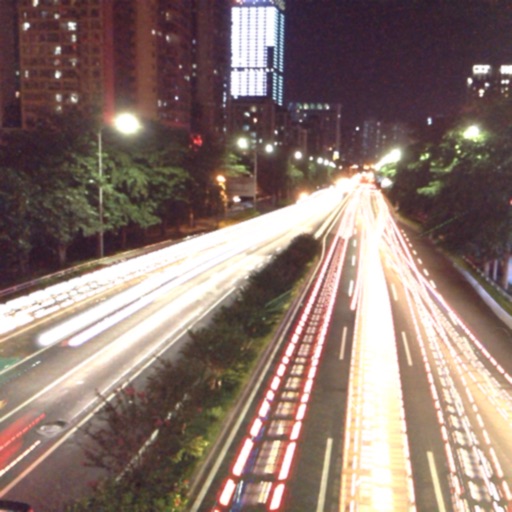
The app captures photos using slow shutter speed effects to create light trails and streams. Users can control exposure time and focus for motion blur photography.
Watch live footage from 4.0/5.0 via . Start and stop recording. View and download videos to device. Share videos directly. Control camera settings remotely. Connect to camera on iOS device.