
iPhone Screenshots

Description
The app offers time lapse photography tools for users of all skill levels. It records directly to video, eliminating lengthy construction from still frames, and supports front and back cameras.
Time lapse photography made easy for novices, with features for advanced users.
** Exclusive ** : Multiple intervals per recording option.
Email feedback capability. Use it for suggestions, complaints, or just to say Hi. If you have used CameraTime often, please leave a review.
Novice Feature:
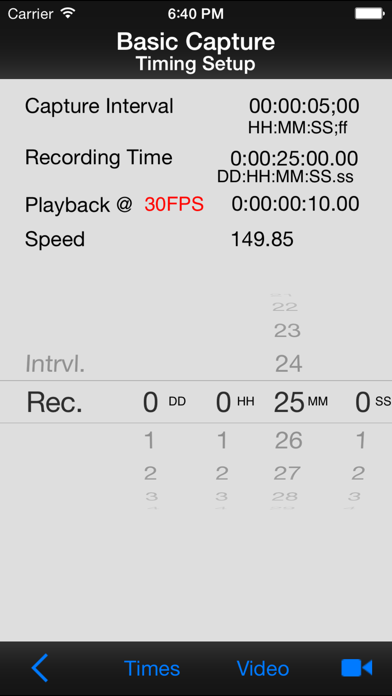
- Two precision sliders for capture interval, playback time, and record time.
Advanced Features:
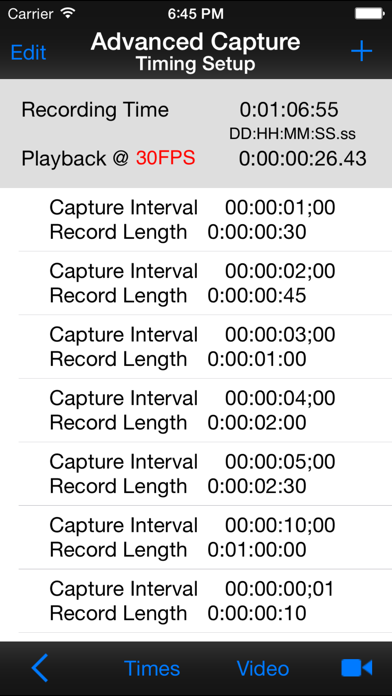
- Multiple intervals per recording.
- Intervals down to 1/30th of a second.
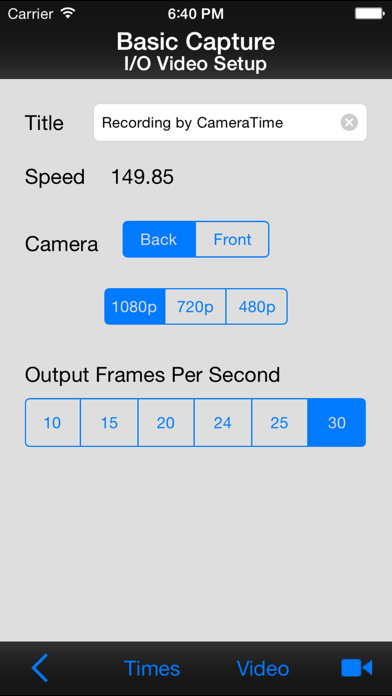
- Multiple output frame rate choices; 29.97, 25, 24, 20, 15, 10.
- Multiple output resolution choices: 1080p, 720p, 480p.
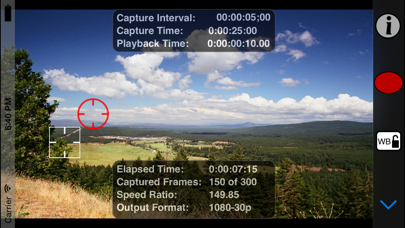
- Supports locked white balance, exposure, and focus.
- Slow-motion capability.
General Features:
- Records straight to video. No time consuming video construction from still frames.
- Optional HUD for easy viewing of information.
- Back and front camera support.
- Landscape and portrait video supported.
- Remembers previous recording parameters.
- Recording meta data. Viewable in QuickTime Info panel.
Tips:
- Lock focus when used for driving video or in busy areas distracting to auto focus.
- Double tap to lock/unlock focus point.
- Single tap to lock/unlock exposure point.
- To avoid interruption, turn on Airplane mode in the iPhones settings.
- Lock the white balance where different light temperatures may interfere.
- Use a tripod or other means to firmly secure your device.
- For slow-mo, set the interval to once every frame (1 ff), set the output fps to less than 30.
- Turn down brightness via Settings.