Practice handwriting, draw spirals, strengthen motor skills
Practice handwriting with customizable drawing tools. Adjust painting speed for different skill levels. Use varied colors, thickness, and calligraphy effects to enhance motor skills and penmanship accuracy. Track progress through repeated exercises.
by Anatoly Weinstein★ 3.645 ratingsEducationFreeData updated 2026-09-08
The app allows users to create original handwritten messages and learn Kanji characters. Users can select character size, writing orientation, and typeface, then save and share their creations.
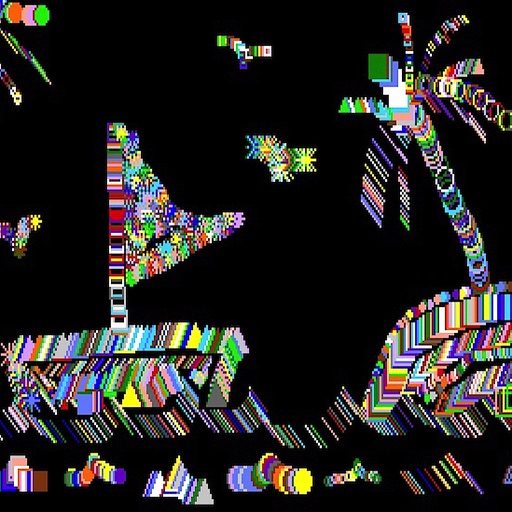
The app draws random shapes in random colors and sizes. Users can clear the screen with a two-finger tap or shake the device to access a menu for background options.
Improve , IQ, and cognition through training exercises. Practice peripheral vision reading by minimizing eye movement and focusing on central screen targets. Enhance creativity and speed reading skills with targeted drills.
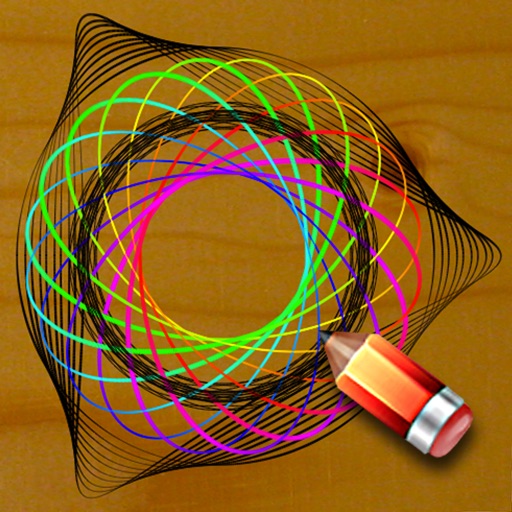
Create art by painting on a spinning canvas. Adjust rotation speed for different effects. Generate spirals, patterns, and dynamic designs. Customize colors and brush settings. Save and share artwork directly.
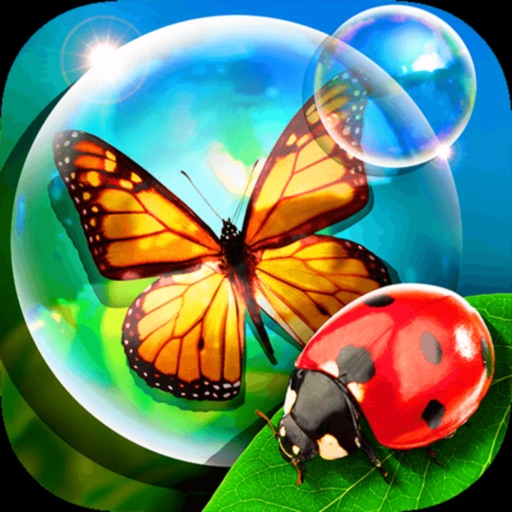
The app offers 18 activities for early learning, including colors, counting, and letters. Children can interact with bubbles through various touch gestures, reinforcing skills like fine motor control and logic.
Watch short -dramas with episodes lasting minutes. Choose from series like "Wife’s Identity Exposed," "Hidden Secrets," and "Tangled Hearts." Follow gripping storylines with twists and emotional conflicts. Stream content without ads.
Practice reading and writing Japanese with hiragana and katakana exercises. Improve skills through handwriting practice and spaced repetition system. Customize color themes and use the free of ads.
Teach children to trace letters with guided exercises. Practice handwriting styles and printed . Includes interactive tracing and progress tracking features.
The app offers a simple and nice design for users of all ages to enjoy. Users can choose colors, patterns, and brush types to color drawings and clear the canvas.
Convert handwritten notes into digital text with image capture and OCR technology. Correct spelling and grammar automatically. Export edited text as editable documents or share directly.
Allows users to tap the screen to change randomly generated spirals. Spirals update automatically after a period of inactivity. Features include interactive tapping, automatic spiral changes, and a version for parents called "."