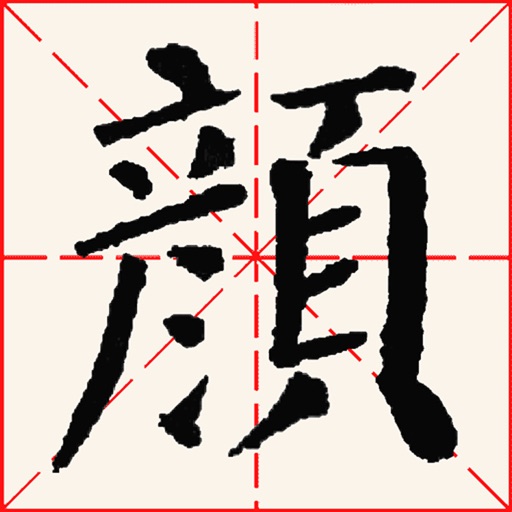
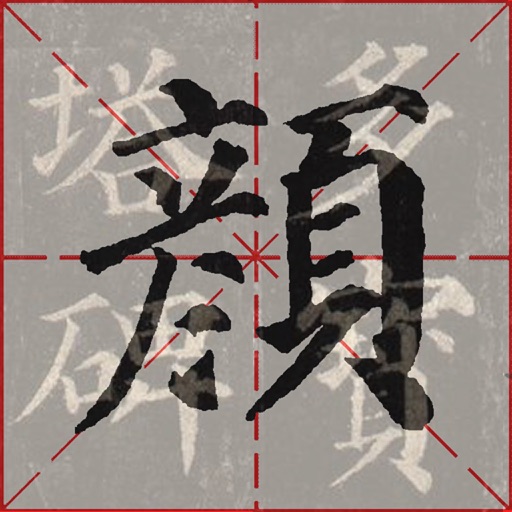
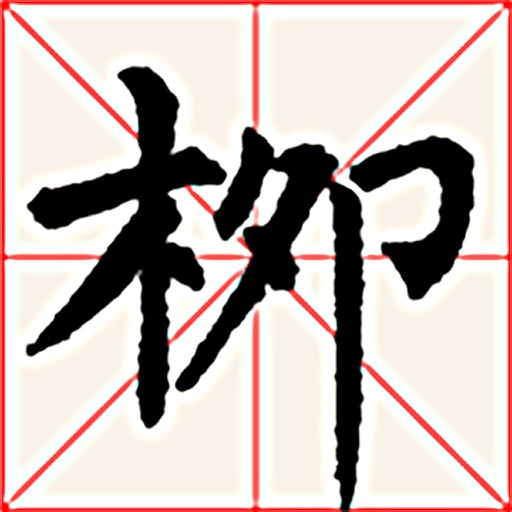
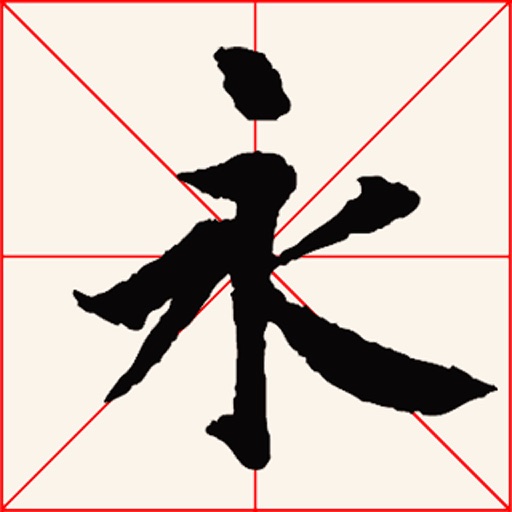
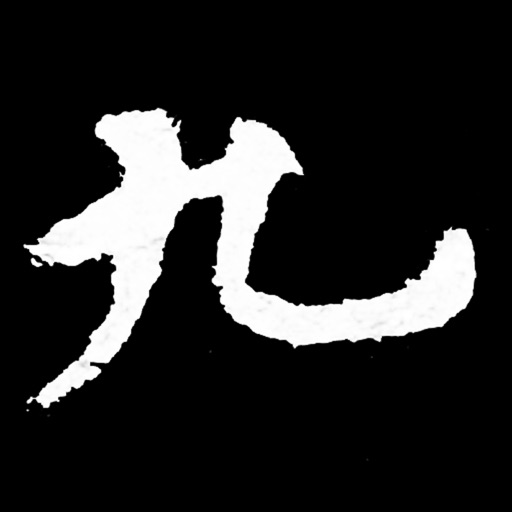
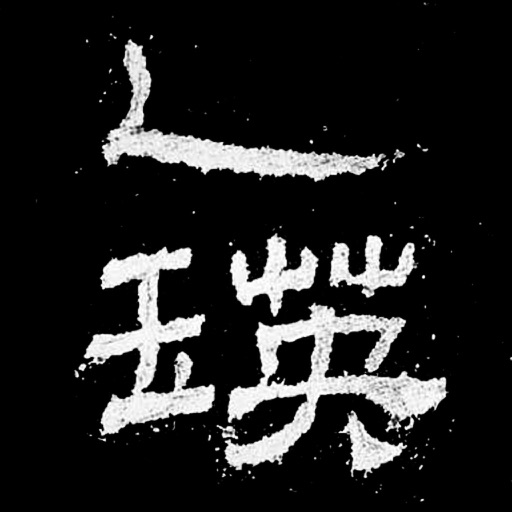
The app simulates ancient Chinese calligraphy practice on an iPad. It features a 400-character demo from the Duo Bao Ta Bei, with stroke width controlled by finger movement speed and acceleration.
The app simulates Chinese calligraphy practice on the iPhone. Users can practice writing 400 characters from the YanQinLiBei, with stroke width controlled by finger movement and pressure.
The app presents four main versions of the Orchid Pavilion Preface for practice. Users can practice stroke by stroke, adjust brush width with finger movement, and choose grid backgrounds.
Create and edit using AI-generated text prompts or by converting videos and photos. Swap faces in images and share on social platforms like Instagram and Facebook. Access a library of trending and .
Read daily messages with Scripture and personal reflections. Listen to audio versions of devotions. Set reminders for daily reading. Share content via social media. Track progress with a journal feature.
The app provides a calligraphy practice mode that adjusts stroke width based on finger speed and acceleration. Users can save, resize, and arrange their writings as artworks, choosing from preset backgrounds or custom images.
The app allows users to practice calligraphy on an iPhone, mimicking real writing techniques. It offers automatic scoring, writing demonstrations for each character, and the ability to save and arrange written pieces into artwork.
Edit photos using one-tap presets for instant style. Adjust brightness, contrast, and saturation manually. Crop, rotate, and straighten images. Add text, stickers, and borders. Export edits in various formats and share directly.
Choose a , add toppings, and select a background to customize a virtual cocktail. Save creations, share with friends, and access a library of recipes and background options.
Create animations using LEGO, clay, drawings, or everyday objects. Record frame-by-frame footage. Adjust timing, add sound effects, and export videos. Share directly to social media or email.