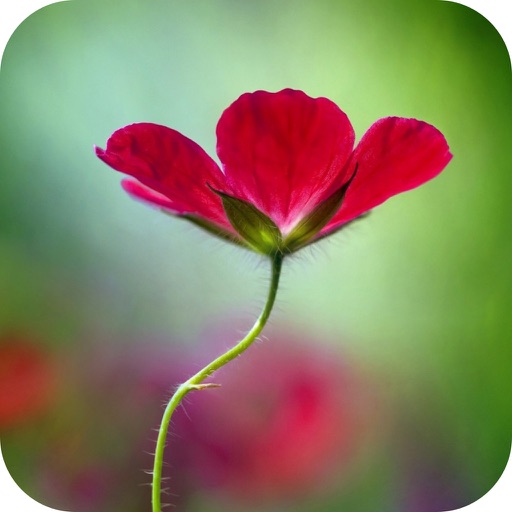
Create blur effects by tracing fingers over photos, with automatic border correction for natural results. Zoom in or out using pinch gestures for precise adjustments. Check results by tracing over the screen.
by Hiroyuki Fushida★ 3.97 ratingsPhoto & VideoFreeData updated 2026-09-08
View two different albums side by side or compare photos directly. Swipe left/right to navigate, pinch to zoom, and double-tap to enter full-screen mode. Create combined side-by-side images and access detailed EXIF data.
APPAS SOLUTIONS, SOCIETATEA CU RASPUNDERE LIMITATA
Capture in 45x view
Take photos with 45x digital . Pinch to in or out. Manually focus and capture zoomed images. Access a secret folder for secure storage. Use compass to determine cardinal directions. View GPS coordinates from GLONASS system.
The app adds depth of field to images, creating realistic blurs with Bokeh effects. Users can adjust blur amount, use finger painting to mask focus regions, and share creations on social media or save them.
The app provides tools for creating stop-motion films on a mobile device. It includes camera functions, album management, photo editing, and video assembly features for creating movies.
Create photos and videos without cropping for social media. Adjust background with blur, patterns, gradients, and colors. Apply filters, effects, and add image stickers. Support various social media aspect ratios.
The app uses an automatic colorization technique based on scribbles to change object colors in photos. Users can mark parts of an image with any color and the app will apply the changes.
Edit photos by selecting specific objects or colors to emphasize, converting the rest to black and white. Adjust and save the edited image. Take photos with the camera or open existing files.
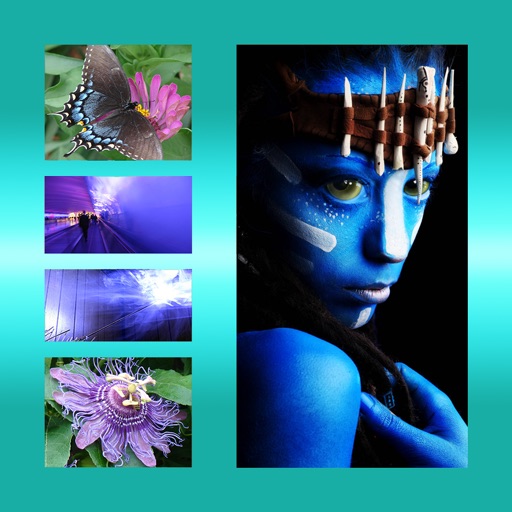
The app allows users to combine multiple photos into one framed picture. Users can adjust contrast, brightness, and saturation, add text, and apply effects.
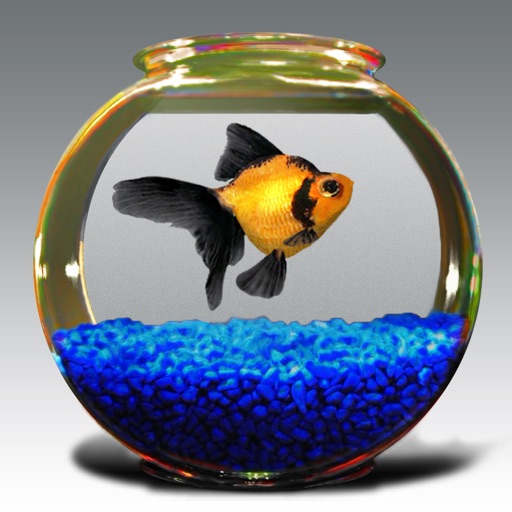
Watch 3D swim autonomously on your device screen. Use pinch gestures to zoom and drag to pan. Tap twice with two fingers to view wireframe models. Observe natural motion and varied behavior without animation.
Edit videos by splitting, cutting, and trimming clips. Adjust playback speed with smooth slow motion. Apply over 150 trending including neon, glitch, blur, VHS, and anime. Stack and blend multiple . Capture snapshot frames for use in projects.
The app allows users to post photos to Instagram without cropping. It functions as a photo collage maker with numerous layouts and editing tools for sharing moments.