Create blur effects by tracing fingers over photos, with automatic border correction for natural results. Zoom in or out using pinch gestures for precise adjustments. Check results by tracing over the screen.
by Hiroyuki Fushida★ 3.97 ratingsPhoto & VideoFreeData updated 2026-09-08
The app allows users to apply various effects to pictures using finger-painting techniques. Users can adjust brush properties and image effects, with processing done at original resolution.
Take high-quality photos with manual controls similar to a DSLR . Use bulb exposure for long exposures and motion blur. Apply neutral density filters to control light intake.
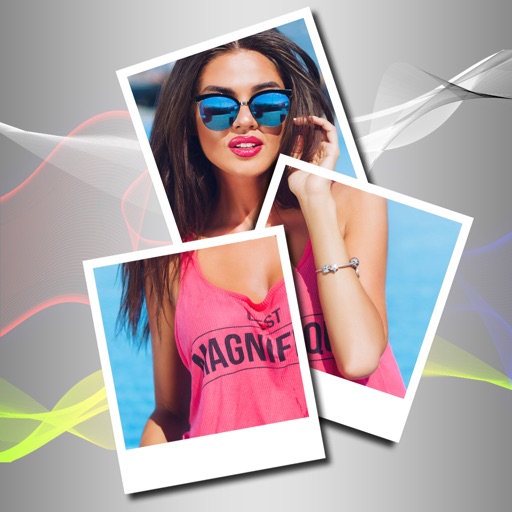
Edit photos with blur background settings, shattering effects, and color frames. Add overlays and crop, rotate, or flip images. Import from gallery or camera, and share edited photos to social media.
Take photos with adjustable resolution options for different styles. Compare templates during shooting for reference. Choose from various photographic styles including classical and HD formats. Adjust settings for sharpening and resolution.
Arthur Eduardo Skaetta Alvarez Desenvolvimento de Software LTDA.
Blur backgrounds, enhance portraits
Edit photos with blur and AI-powered segmentation to isolate subjects. Apply multiple blur effects and adjust settings for precise results. Export edited images in various formats and share directly.
Edit photos by removing and replacing backgrounds using AI-powered tools. Cut out people or objects with precise edges. Add custom backgrounds, blur backgrounds, or erase unwanted areas. Save edited images in various formats.
Edit photos and videos by automatically recognizing and processing backgrounds. Choose from four recognition methods including transparency, blur, and replacement. Process only the subject or apply effects like fluffy, mosaic, monochrome, or sepia.
The app displays an analog clock with customizable backgrounds, including loading images from the library. It offers alarm functionality with 19 sounds and the option to toggle the date display.
The app displays an analog clock with adjustable size and position. Users can select backgrounds from their photo library and enable or disable the date display.
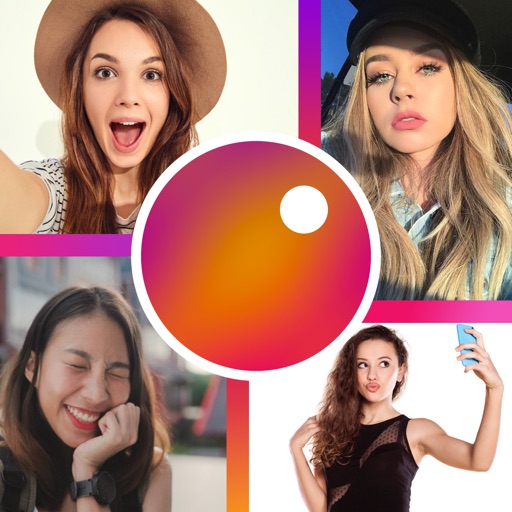
Create collages with customizable grids and multiple layout options. Add photos by selecting from camera or gallery. Adjust images using zoom and touch gestures. Change background colors or themes. Save or share collages through social media apps.
Take photos with using online filters for , scenery, food, and travel. Edit images with numerous stickers and auto-enhancement tools. Export and share edited photos directly.
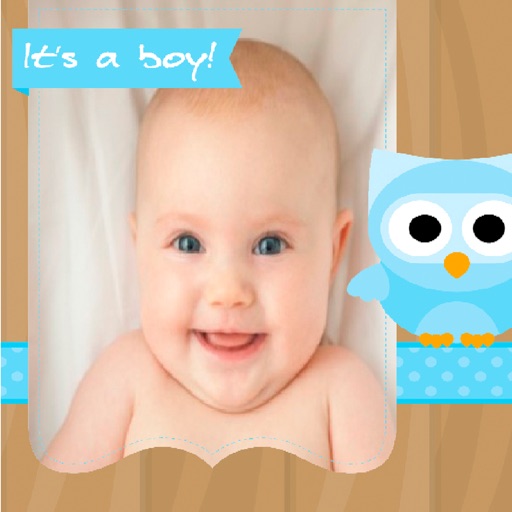
Create greeting by selecting and photos from your gallery or camera. Adjust photos with zoom, rotate, and move gestures. Save and share through social media apps.