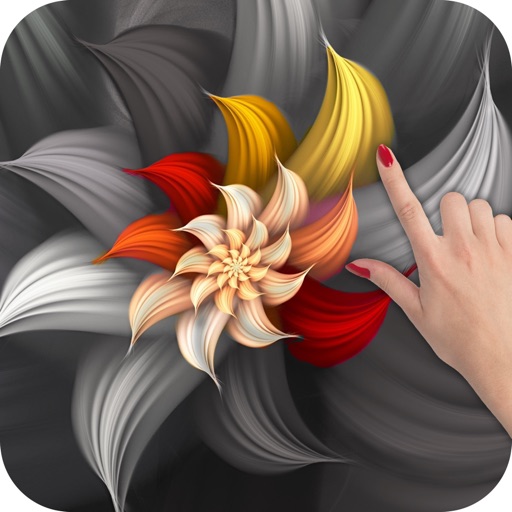
Create kaleidoscope patterns by swiping fingers across the screen. Adjust the number of lines and line color. Use multi-touch for advanced control. Save generated artwork to the device's Camera Roll.
by Aaron Neugebauer★ 4.58 ratingsEntertainmentFreeData updated 2026-09-08
Edit with , , and collage tools. Create montages and custom layouts. Adjust brightness, contrast, and saturation. Add text and stickers. Export edited images in various formats.
Edit images with black and white overlays and adjust overlay color by tapping. Swap and images by swiping. Change font of by tapping. Adjust overlay opacity with pinch gestures. Use photos from unsplash.com.
The app supports VISIO formats and imports old VISIO formats. It syncs document files to iCloud and includes smart lines that connect to shapes when moved or resized.
Convert physical objects into measurements using a function. Adjust two red lines to measure distances in centimeters or inches. Display measurements instantly on the screen.
Turn photos into customizable pages with AI-generated artwork. Select from themed templates like Barbie or Minecraft. Print and color offline. Share creations with family.
Convert photos to black and white, sepia, or mono formats. Apply splashes to specific areas using touch. Adjust effects like hue, saturation, and contrast. Add photo filters for enhanced visuals. Export edited images in various formats.
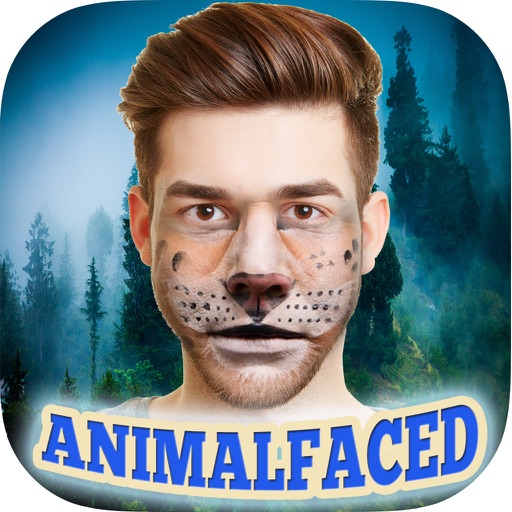
The app allows users to apply up to 46 animal faces to their photos. Users can adjust effects on the fly and share their creations to social media or save them.
Create custom icons by combining images, text, and shapes. Adjust colors, add shadows, and apply effects. Resize, rotate, and skew objects. Use images as textures. Retouch or paint over elements.