
iPhone Screenshots


Description
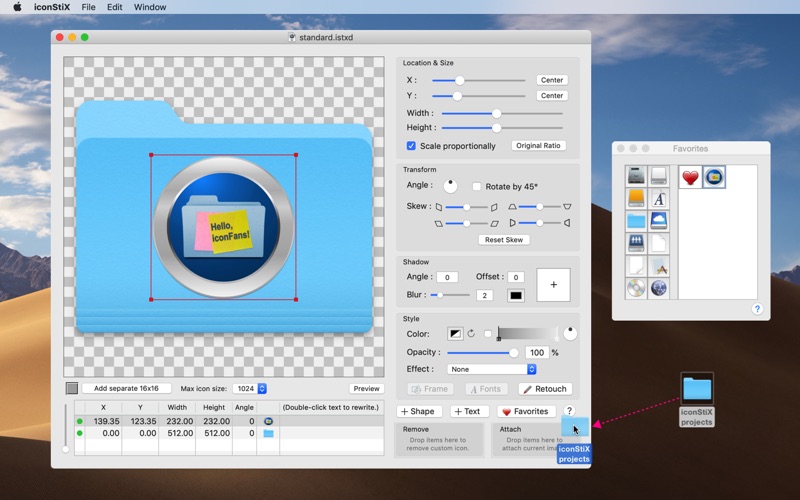
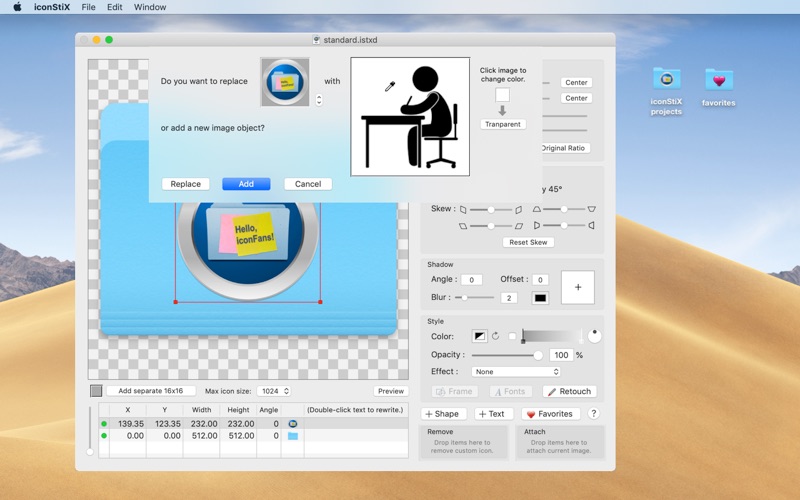
Create custom icons by combining images, text, and shapes. Adjust colors, add shadows, and apply effects. Resize, rotate, and skew objects. Use images as textures. Retouch or paint over elements.
iconStiX is a custom icon tool: combine images, add text, edit styles and attach your composition to desktop items (such as folder) or save as image.
More details: You can
- add and reorder multiple objects (image, shape and text).
- move, resize, rotate, skew, color, add shadow and effects (recess, shine, sketch).
- modify fonts and adjust text styles.
- use your image as texture (e.g. cover a folder with a photo).
- erase or paint over image objects (retouch function).
- add small icon images separately for better visibility in the list view.
- limit the max icon size (512, 256 or 128) instead of the full size (1024).
- preview in different sizes (manual scaling or animation).
- keep favorite images for quick access.
- save your image settings as templates (documents).
- export composition as images (icns, png, tiff).
- attach/remove custom icons via drop boxes or the Finder services.
Note: read/write permission is required to change custom icons.