Create kaleidoscope patterns by swiping fingers across the screen. Adjust the number of lines and line color. Use multi-touch for advanced control. Save generated artwork to the device's Camera Roll.
by Aaron Neugebauer★ 4.58 ratingsEntertainmentFreeData updated 2026-09-08
Set with vibrant splashes. Choose from themed backgrounds. Apply to iPhone, iPod Touch, and iPad. Adjust colors and styles. Save and set as home or lock screen.
Create custom -shirts by selecting and applying colors to designs. Draw on shirt templates to personalize artwork. Save and share finished designs. Explore various tie-dye patterns and color combinations.
Take quick notes by drawing or writing with your finger. Sketch, doodle, and create diagrams directly on the screen. Save and organize notes in multiple pages. Export notes as images or PDFs. Share notes via email or social media.
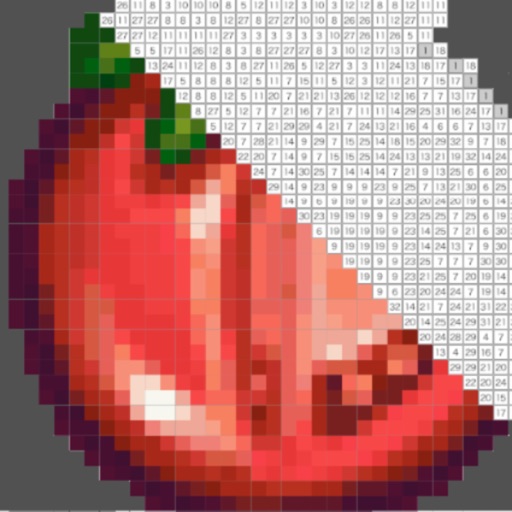
Create and customize for cross and pixel art. Set grid size up to 1,000 x 1,000. Choose display formats including symbol, fill, and . Use rulers and context menus to copy, move, flip, or clear elements. Duplicate pages and select starting positions.
Explore 3D shapes by morphing between a dozen geometric objects. Customize textures, adjust color saturation, and control particle count. Pinch to zoom, rotate shapes, and modify blur settings.
The app allows users to draw and design with various line weights, colors, and types. It includes tools for adding text, different paper grids, and saving or exporting drawings as pictures or PDFs.
Adjust light color via color wheel or camera input. Sync light color to music or microphone rhythm. Change light color based on predefined modes. Set timed light switches.
Manage multiple to-do lists with detailed views. Add tasks sequentially using the "next" button after completing each item. Set reminders for tasks due today, overdue, or within specific time frames. Swipe to filter tasks by date.
The app provides a multi-device collaboration tool for capturing and sharing creative ideas. Users can add notes, arrange them on a canvas, assign colors, and draw to organize thoughts and show relationships between concepts.
Displays animated geometric patterns with soft background sounds. Users can adjust color schemes, speed, and sound volume. Patterns reset automatically or can be manually restarted.