Zoom into images to view details at maximum screen size. Enlarge specific areas like eyes or text in photos. Adjust zoom levels for precise viewing on iPhone or iPad displays.
by Hiroyuki Fushida★ 2.25 ratingsPhoto & VideoFreeData updated 2026-09-08
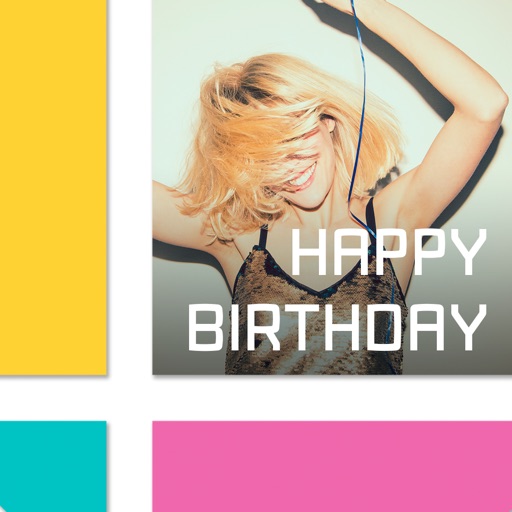
Combine photos into professional quality photomontages.
The app allows users to combine photos into professional quality photomontages. It provides tools to superimpose images, erase parts of foreground images, and adjust brush size and opacity for blending.
Access account information, view soil moisture levels for all fields, and check planned irrigation schedules. Zoom in for field details, review recent weather data, and view weekly forecasts.
Edit photos into customizable grids with layout options, shapes, and frames. Add text and messages. Apply filters and effects. Stitch multiple images into a single composition. Export and share edited collages.
The app allows users to collect photos into art frames. Users can choose frames, select photos from their gallery or camera, apply effects, and adjust images with zoom and rotate functions.
Store and view PDF files on a portable device. Convert PDF pages to JPG or PNG images. Share PDFs via Dropbox or other apps. Print selected pages or page details. Manage and access PDF documents anytime.
The app resizes entire folders of pictures with one click. It supports various file formats and can enlarge or shrink images, copying originals to a new folder.
Split images into 1x2, 1x3, 2x3, 3x3, or 4x3 grids. Adjust photos by zooming, moving, or rotating. Export high-resolution splits. Post split images directly to Instagram as a single photo.
Edit photos by adding a color background to expand the image and reduce zoom. Choose parallax effect or disable it. Save edited images as or home screen images without needing screenshots.
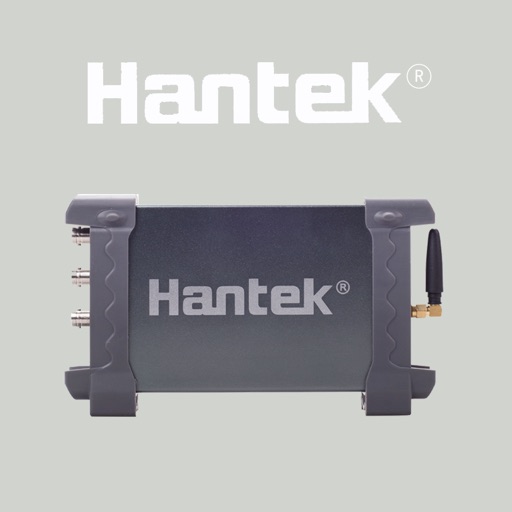
The app functions as an oscilloscope when paired with IDSO1070 hardware. It allows users to interact with waveforms using touch screen gestures like pinch-to-zoom.