Enhance photos by uploading images or capturing photos of damaged ones. Use AI to improve clarity, reduce blur, and restore details. Export enhanced photos in HD format.
Create widgets with custom photos from albums. Edit photos to select specific sections. Display names within widgets. Apply filters and arrange multiple widgets in a collage layout. Share photos directly from widgets.
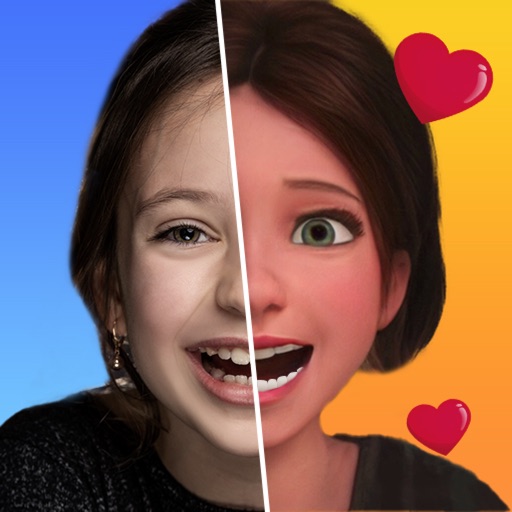
Convert photos into sketches or cartoon avatars using 50+ effects like , Memory Style, and Old Movie Style. Apply 50+ cartoon effects to create humorous or artistic images. Save and share the edited photos directly.
Enhance photos by removing blur, restoring details, and improving clarity. Adjust brightness, contrast, and color. Save and share edited images. Supports batch processing and integrates with cloud storage.
Remove with automatic portrait recognition or brush matting tools. Choose from multiple shape options for precise masking. Add color line strokes to edited areas. Export modified images directly.
Enhance quality with advanced algorithms to sharpen and clarify images. Adjust colors and brightness. Apply filters and effects. Edit multiple photos in batches. Share edited photos directly to social media.
Edit photos with AI-powered enhancement, unblurring, and sharpening. Remove objects and restore old images. Convert photos to pixelated or HD formats. Create AI-generated cartoons. Share edited images directly.
With filters, cropping, and adjustment tools. Apply beauty enhancements and double exposure effects. Use color splash and resize images. Access frames and story templates. Change resolution and export in multiple formats.
Enhance colors and brightness. Convert blurred images to HD. Repair damaged or scratched photos. Restore black and white images with intelligent coloring. Share edited photos on social networks. Adjust image quality and clarity.
Enhance blurry, pixelated, or damaged images using AI. Adjust clarity, color, and brightness. Apply filters and effects. Restore old photos and damaged images. Export enhanced photos in various formats.
Edit with one-click cutout and batch processing. Remove unwanted elements and replace backgrounds. Create collages and ID . Use templates and stickers for design. Perform multi-layer synthesis and green screen effects.
AI improves quality, fixes lighting, and sharpens details. AI Unblur converts pixelated or blurry images into clear high-resolution photos. Users can upload photos and apply AI-powered enhancements to restore old memories or refine portraits.
Enhance photos with AI-based clarity and detail. Remove blur and improve lighting. Edit vintage photos for modern clarity. Share enhanced images directly. Apply filters and adjust colors. Export in high-definition formats.
Capture photos with real-time grid lines and flash settings. Use one-touch beautification for selfies. Access weekly updated filters and collages. Add stickers and create collages. Share edited photos directly.
Take photos with high-resolution settings. Apply 40 free filters, including a popular pink filter. Edit images with color adjustments and effects. Add creative accents to photos. Share edited photos directly from the .