Apps Like Image & Video Splitter for IG for iPhone and iPad
Split photos into grids and post
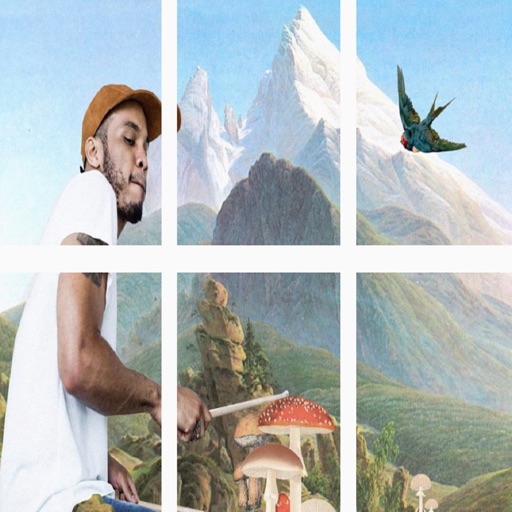
Split images into 1x2, 1x3, 2x3, 3x3, or 4x3 grids. Adjust photos by zooming, moving, or rotating. Export high-resolution splits. Post split images directly to Instagram as a single photo.
by adel abdullah★ 0.00 ratingsPhoto & VideoFreeData updated 2026-10-03
Split photos into grids of 1x2, 1x3, 2x3, 3x3, 4x3, or 5x3. Maintain high resolution and quality during splitting. Post split images to as a single photo. Adjust zoom, move, or rotate photos before posting.
Edit photos with filters, cropping, and brightness adjustments. Add text, stickers, and frames. Create collages and enhance images for social sharing. Trim and cut videos. Export in multiple formats and share directly.
Print photos on 2x3”, 2.3x3.4”, 3.5x4.25”, or 4x6” paper using printers. Select photos from smartphone or social media. Edit images with HP’s photo-editing tools. Add stickers to prints. Send edited photos to the for printing.
Photos into customizable grid layouts with up to 10 rows. Post to Instagram directly. Adjust grid presets and share images in larger, organized formats.
Photos and videos using AI to expand images, remove objects, and replace or blur backgrounds. Enhance image quality, restore old photos, and create AI-generated scenes. Share edited content directly to Instagram.
Create collages with 20000+ layouts and effects. Add stickers and text to photos. Edit images with cropping and filters. Make videos with carousel and slideshow options. Share directly to Instagram.
Create collages from photos and videos for social media posts, stories, and thumbnails. Edit videos with trimming and grid layout options. Add blurred backgrounds without cropping. Share content directly to platforms like Instagram and TikTok.
Edit photos and videos with filters, presets, cropping, and color adjustment tools. Resize and crop content for social platforms like Instagram and Snapchat. Create collages by combining images. Use MAGIC FILL to expand or uncrop images.
Edit photos with background removal tools, AI-generated backgrounds, and color changes. Remove and replace backgrounds instantly. Add text, stickers, and filters. Export edited images in various formats.
Edit photos with filters, stickers, text, and frames. Access images from social media and cloud accounts. photos via IVY Photo Printer or IVY CLIQ+/CLIQ+2 cameras. Share edited photos and order sticker prints for personal items.
Store and organize full-resolution photos and videos. Back up images and share them directly. Access 5GB of storage for non-Prime users and unlimited storage for Prime members in select countries.
Edit videos by importing any length footage and selecting a layout or stencil. Add text or stickers. Cut video into 15-second fragments or custom lengths. Save clips to Camera Roll in chronological order. Share edited videos on Instagram Stories.
Create collages using hundreds of templates. Arrange images in custom layouts. Add text, stickers, and effects. Export and share directly to Instagram. Design carousels with seamless transitions. Edit photos with cropping and filters.
The app allows users to post full-size photos and videos to Instagram without cropping. Users can move, rotate, scale, and flip media, and apply filters, stickers, and text.
Create professional headshots, Christmas and polaroid style photos, and trendy profile images. Edit and enhance photos with AI tools. Export and share finished images directly.
Create filters and share them with friends. Edit photos and videos with trending effects, stickers, and tools. Apply creative filters and adjust colors. Save and share edited content directly.
Create videos using AI-powered tools like VideoGen for element swapping and AI Auto Cut for highlighting key moments. Add dynamic captions and generate text-to- content. Export and share videos directly to social platforms.
Edit photos with AI-enhanced tools for clarity and resolution. Remove unwanted elements and separate figures or objects. Apply AI skin corrections and custom filters. Adjust HSL and curves for precise color and tone control.