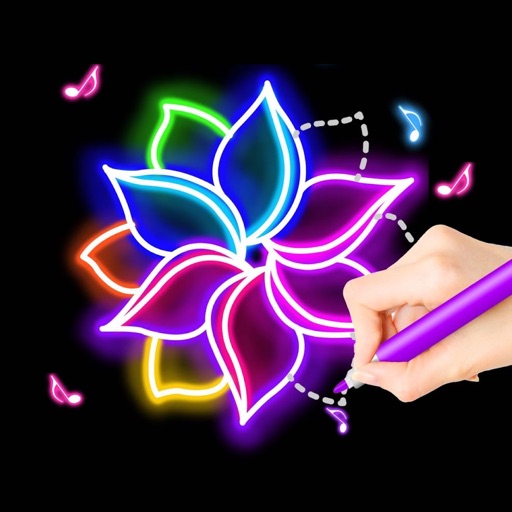
The app offers various paint strokes including single, symmetrical, and star. Users can select stroke sizes and utilize normal colors, continuous color change, gradient colors, and gradient rainbow color change.
by ABCiSoft★ 2.911 ratingsEntertainmentFreeData updated 2026-09-23
Edit by selecting from the gallery or taking a new photo. Adjust images to a square format. Add text with customizable fonts, colors, and borders. Move, rotate, and scale text. on with finger input.
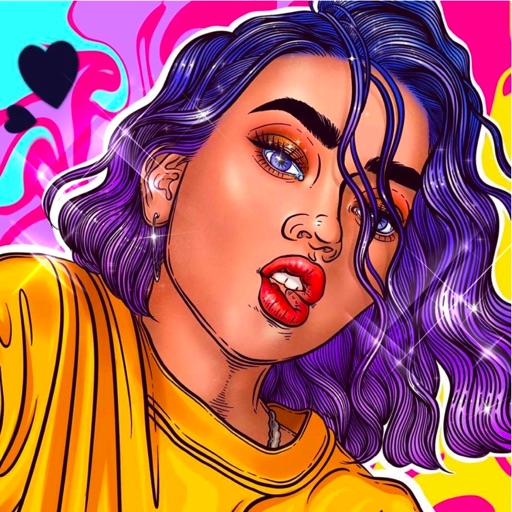
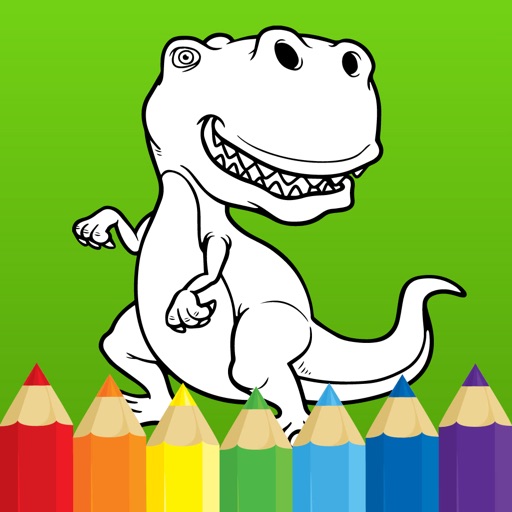
And drawing allows users to select from 100+ images featuring girls, princesses, animals, dinosaurs, and cars. Users can apply nine brushes including neon glow and rainbow. Record drawings as animation clips.
Create relaxing paintings by tapping to color. Access new free graphics daily. Share time-lapse videos with friends. View high-quality artwork and enjoy an easy, stress-free experience.
Simulate from a swinging bucket with realistic physics. Adjust color and motion to create art. Use AR mode to project effects in real-world environments. Share artwork directly to social media.
Clean and customize vehicles including sports cars, school buses, and airplanes. Remove scratches and dents, clean interiors, and tidy exteriors. Paint and change vehicle appearances.
Solve logic puzzles by linking clue-pairs to form pixel-art images. Connect clues with paths of equal length. Reveal hidden pictures through deductive reasoning. Adjust grid sizes and difficulty levels. Share completed puzzles.
Create fully customisable . Import images from your gallery as backgrounds. Access an online photo library with 2.5M+ royalty free images. Adjust colors of design elements. Decorate home screen with . Export and apply modified .
Puzzles with sounds and interactive backgrounds allow children to engage with game characters and explore objects. Drawings to color let kids paint figures. Full version includes 19 puzzles, lite version has 6.
Edit photos with brushes and black-and-white effects
Edit photos by converting them to black and white and selectively retaining with a finger brush tool. Zoom in and out using two-finger pinching for precise adjustments. Share edited images via email or upload to Twitter, Flickr, or Dropbox.
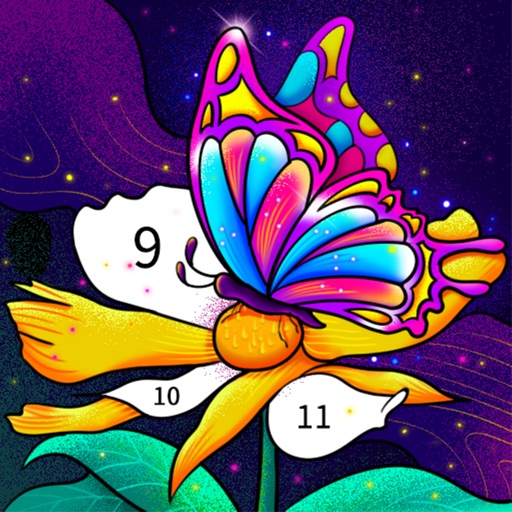
Color by number artworks can be selected and colored following numbered guidelines. Users can freely paint and save their creations. Artworks are available for free and can be explored in a casual drawing environment.
Create and color doodles with glow and neon themes. Choose from various coloring pages featuring princesses and accessories. Save and share completed artwork. Relax while engaging in creative and calming activities.
Edit by merging multiple clips, rearranging, and removing sections. Add multiple text messages with animation, custom fonts, and styling options including stroke, shadow, and background. Export final edits.
Create oil paintings from photos with brush stroke effects, color blending, and texture layers. Adjust lighting and shadows. Save and share final artwork in high resolution.