The app offers various paint strokes including single, symmetrical, and star. Users can select stroke sizes and utilize normal colors, continuous color change, gradient colors, and gradient rainbow color change.
by ABCiSoft★ 2.911 ratingsEntertainmentFreeData updated 2026-09-23
Edit photos with crop, rotate, exposure, color, sharpness, and resize tools. Create grid collages and edit individual images. Access presets, clone tool, and fine curve adjustments for detailed edits. Export and share edited photos directly.
Create manga and illustrations using free tools like G-pens, mapping pens, tones, and backgrounds. Access lessons on story creation, character design, and dialogue from editorial team. Enter contests and receive updates on available competitions.
The app offers a simple and nice design for users of all ages to enjoy. Users can choose colors, patterns, and brush types to color drawings and clear the canvas.
The app transforms photos into multicolor mosaics with intuitive dial-based controls. Users can save creations to their phone or share them via various social media platforms and email.
Create custom wallpapers with scaling and resizing options on various backgrounds. Choose from color, gradient, pattern, bokeh, and text effects. Apply parallax effect for all iPhone and iPad devices.
Edit photos and videos to create oil paintings using 29 presets and 12 professional tools. Adjust brush strokes and colors manually. Apply AI-generated oil with machine learning enhancements. Export edited content in various formats.
Create and edit digital artwork with layers, brushes, and custom tools. Adjust colors, brightness, and contrast. Import photos and sketches. Save and export in various formats. Apply filters and effects. Collaborate with others through cloud sharing.
Create paintings using emojis. Select from over 1600 emojis. Adjust size and other settings. Zoom in and out for precision. Works on iPhone, iPod Touch, and iPad.
Create animated swirling patterns and kaleidoscope artworks. Select from various brush styles and color palettes. Adjust speed and symmetry settings. Save and share generated artwork. Relax through interactive, meditative visuals.
Create custom " And ____" posters by editing text, selecting icons, and choosing backgrounds. Add drop shadows or strokes to text. Change text colors and icon colors. Save or share the final design.
Create traditional hand-drawn animations with support for Apple Pencil or finger input. Use the traditional xsheet for timing and thumbnail previews. Enjoy smooth, natural drawing with automatic onion skin lighting for better visibility.
By numbers or free painting. Choose from various coloring pages. Switch between tools and colors. Save and share completed artwork. Sync progress across devices.
Upload photos to visualize color changes and mock-ups on furniture, rooms, and cars. Apply finishes and products instantly. Export images or video time-lapses of transformations. Create before-and-after visuals for home decor, vehicles, and more.
Allows users to paint and the Family using rainbow brushes and glitter pencils. Includes 200+ pages with themes like animals, cars, and dinosaurs. Features mandala drawing games and interactive activities.
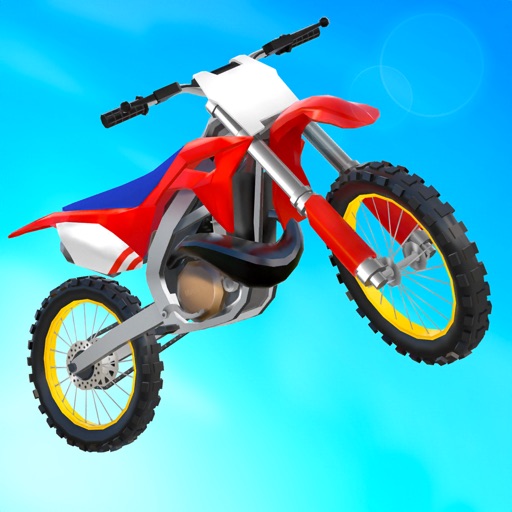
Play a 3D dirt bike stunt game with physics-based jumping and trick combos. Customize bikes with paint jobs and engine types. Unlock global tracks and complete real-world missions. Compete in freestyle challenges.
Edit photos with filters, effects, and frames. Adjust brightness, contrast, and balance. Crop, rotate, and straighten images. Add text, stickers, and drawings. Paint on photos or blank paper. Apply splash and tilt shift effects.
Create digital with pressure-sensitive strokes. Adjust pen pressure for varying line widths. Choose from multiple brush styles and ink colors. Save and share artwork directly. Import custom fonts and templates. Export in various file formats.