Explore and interact with 3D shapes on a screen. Choose from various 3D shapes and create unlimited combinations. Add or remove shapes with a single tap. Rotate, zoom, and swipe to navigate 3D models.
by Paul Hangas★ 4.545 ratingsEducationFreeData updated 2026-09-08
Teaches counting, numbers, addition, subtraction, and shapes through interactive activities. Includes singing, balloon bursting, hide and seek, cooking, shopping, feeding animals, growing carrots, drawing numbers, solving puzzles, and racing cars.
Teaches basic touch gestures through interactive music and visuals. Allows children to tap and swipe to control on-screen shapes. Includes colorful animations that respond to user input.
Explore AR-based photography to cut and remix visual elements. Cutout mode lets users capture and shape objects from photos. Collage mode allows arranging 3D cutouts in space through movement and tapping.
Rotate circles to alter triangle shapes and colors, creating new patterns. Match target figures by adjusting colors and forms. Focus on meditative visuals and abstract art . Track progress and refine accuracy over time.
Play puzzles by arranging colored blocks to fill grids. Rotate and move pieces to complete levels. Earn stars for each completed . Unlock new themes and challenge modes. Compete with friends via leaderboards. Save progress and replay levels.
Create -style cutouts by folding, drawing lines, and cutting. Design original art or trace user examples. Undo and restart anytime. Explore endless creative combinations through folding and cutting techniques.
Learn alphabets, numbers, colors, and shapes through interactive lessons. Explore topics like fruits, animals, and days of the week with visual aids. Practice spelling with shuffle games.
Learn alphabets, numbers, shapes, and colors through interactive quizzes and animations. Explore domestic and wild animals, sea creatures, and birds with detailed illustrations.
The app offers learning activities for children aged 2 to 5, focusing on colors, shapes, and memorization. It includes games like "Find me!" and "shapes & Colors," with additional in-app purchases for more educational content.
Early learning with interactive , stories, and activities for toddlers. Children can explore letters, numbers, shapes, and colors. Features offline access, no ads, and safe, distraction-free environment.
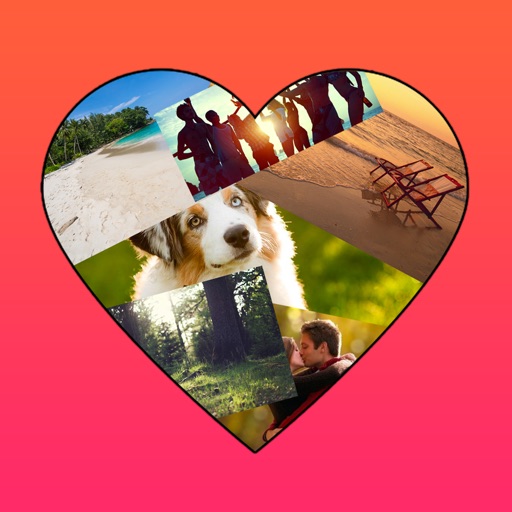
The app allows users to create photo collages in various shapes. Users can select photos and arrange them into designs such as hearts, dogs, cats, and martini glasses.
Create line segments and polygons by stretching bands around the Geoboard. Explore perimeter, area, angles, and fractions through interactive shapes. Manipulate bands to compare sizes and test congruence.
The app draws random shapes in random colors and sizes. Users can clear the screen with a two-finger tap or shake the device to access a menu for background options.
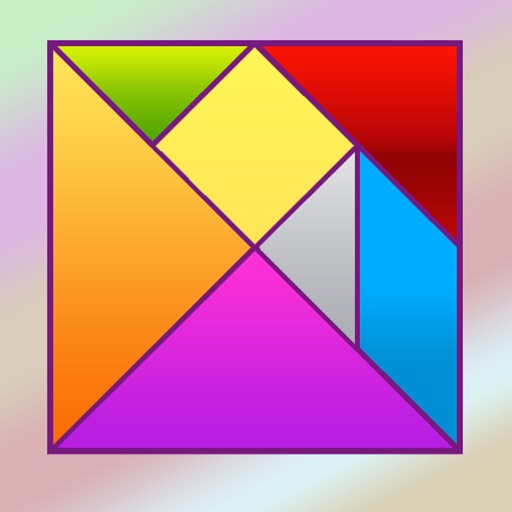
Solve puzzles by arranging seven geometric pieces into target shapes. Complete 150 unique challenges without overlapping pieces. Adjust piece positions and rotations to match each design.
Create fractal art using the fractal-flame-algorithm. Adjust parameters to generate unique patterns. Save and share generated images. Explore endless design possibilities through interactive controls.
Create abstract art by drawing shapes that auto-connect and fill with random procedural patterns. Use Auto Draw to generate unique compositions in real time. Watch animations transform your artwork into kaleidoscopic designs.