Explore and interact with 3D shapes on a screen. Choose from various 3D shapes and create unlimited combinations. Add or remove shapes with a single tap. Rotate, zoom, and swipe to navigate 3D models.
by Paul Hangas★ 4.545 ratingsEducationFreeData updated 2026-09-08
Play a realistic squish simulation by sliding and squeezing on the screen. Create custom squishies with a 3D editor. Choose from hundreds of pre-made 3D squishies. Customize with over 100 colors, stickers, shapes, and prints.
Learning through interactive games, children can identify colors and shapes, practice letter recognition, and develop memory skills. Activities include matching broken pieces, finding differences, and following sequences.
Create and edit drawing tools and photo additions. Paint on images finger input. Move, rotate, and scale added . Save and share creations via social media apps. Offers a simple interface for note-taking and visual projects.
Play interactive games to learn the alphabet, count numbers, and recognize shapes. Practice memory, logic, and concentration through puzzles and pattern games.
Teaches , phonics, and basic words through tracing games and matching activities. Helps recognize letter shapes and connect them with sounds. Includes interactive exercises for early literacy skills.
Learn letters and shapes by touching and flicking on-screen items. Resize letters and shapes by pressing. Record custom voices for letters and shapes. Add personal images and captions. Allow children to record their own voice.
Create and customize unique monsters by selecting heads, eyes, mouths, accessories, and body shapes. Mix and match features to design a distinctive creature. Watch your monster animate and perform original dance moves.
Teach kids and seniors about and through interactive gameplay. Identify shapes, colors, and sizes. Choose from multiple languages. Use real photos of produce. Enhance memory, vocabulary, and logical thinking. Includes reading and cognitive exercises.
A calming -based game with five stages. Players tap falling eggs to create bugs and interact with them. Each stage offers different motions and sounds. Users can customize touches to suit their mood.
Play a Match-3 puzzle game by swapping blocks to create matches of 3 or more. Earn points by combining from the last 7 moves. Choose from various themes and shapes. No time limit and infinite lives available.
Learn letters, numbers, shapes, and colors through
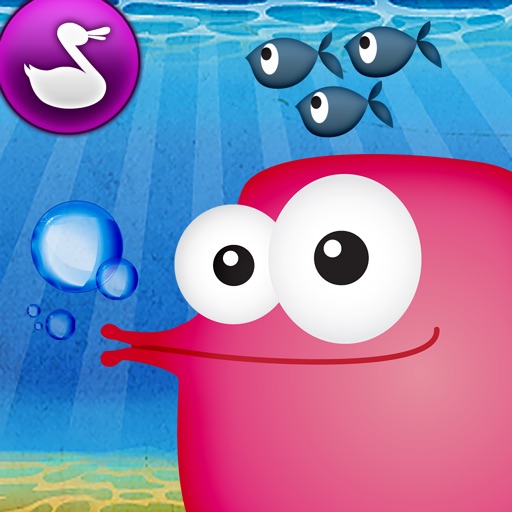
Teaches letters, numbers, shapes, and colors through interactive activities. Watch create letters and form shapes. Tap, drag, and touch to interact with sea life. Listen to classical versions of the ABC song. Includes awards for educational value.
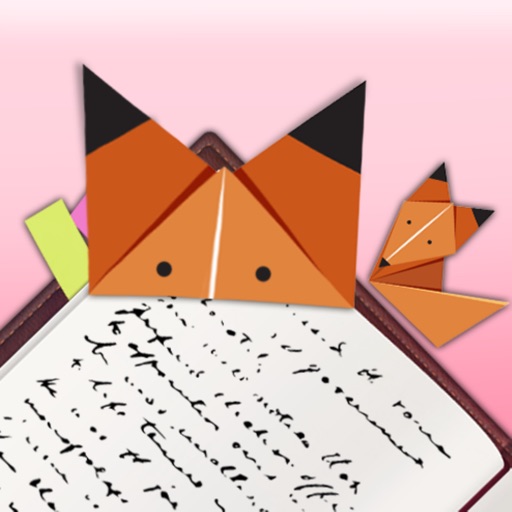
Create origami by following step-by-step instructions. Choose from various origami shapes. Decorate with unique designs. Enhance reading experience with custom .
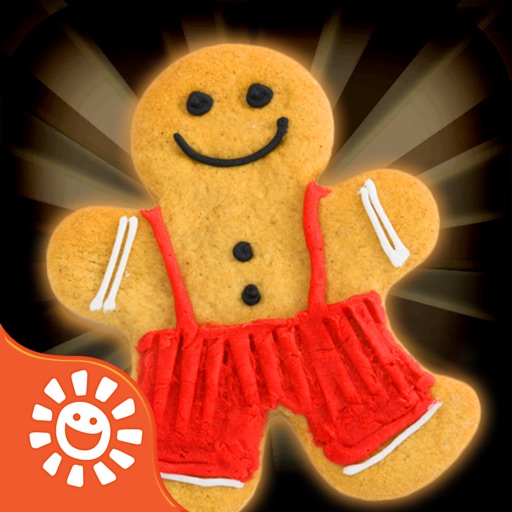
Create cookies by mixing ingredients, stirring dough, rolling out dough, and cutting shapes with cutters. Decorate cookies with icing and toppings. Bake cookies in an oven and view progress. Share finished cookies with friends.
Draw dots by pressing one finger, adjusting size based on press duration. Create lines and shapes with multiple fingers. Manipulate polygons by moving vertices. Export drawings in various formats. Share creations directly.
Create photos with effects and light leaks. Apply 36 shapes and 33 light leak effects. Use 23 image filters. Adjust size, opacity, and color. Draw multiple shapes with touch. Apply multiple shapes to one photo.