The app generates animated patterns, dynamic collages, and slit-scan photos using camera input. Users can select screen areas to create flowing imagery and interact with one or two fingers.
by Jung-Hoon Seo★ 5.04 ratingsPhoto & Video$0.99Data updated 2026-09-22
Create collages with over 1000 layouts and customize with filters, frames, and text. Edit photos using cropping, adjustments, and stickers. Save and share edited images directly.
Take photos and videos with 9 customizable effects including smile enhancement, face stretching, and character transformations. Adjust effects on-screen. Share images and videos via email, Twitter, or Facebook.
Take photos with front- and rear-facing cameras. Apply real-time effects like Twirl, Light Tunnel, X-Ray, Squeeze, and Kaleidoscope. Share photos via AirDrop, Mail, Messages, iCloud, or social networks.
Take instant photos with virtual cameras and share them instantly. Capture multiple photos with friends. Photos are processed daily at 9am and become viewable afterward. Save and relive favorite moments anytime.
Convert videos, Live Photos, burst shots, still images, and screen recordings into smooth GIFs. Trim and adjust frames for clean animations. Export as GIF or MP4. Share directly from the .
Create collages by arranging photos in various layouts and adjusting their position, angle, and size. Apply unique filters and choose from rich typography styles and text stickers.
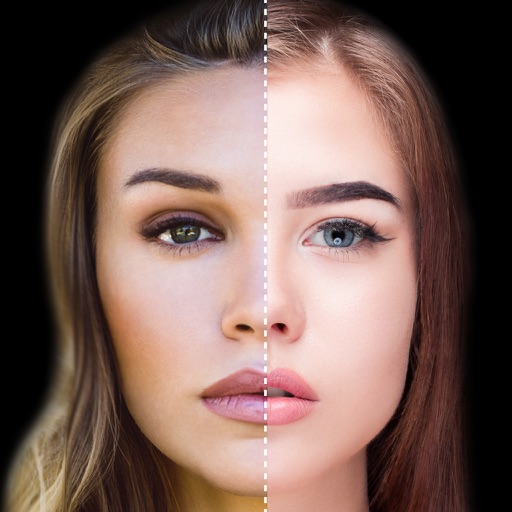
Find lookalikes using AI. Create collages with gradient face-to-face effects. Share with hashtag #looklikeme. Transform photos into art with AI styles. Upscale images for better clarity. No photo storage.
View a live camera feed with dynamic rain ripple patterns. Tap the screen to add custom water droplets. Listen to ambient rain sounds. Adjust brightness and contrast settings. Save or share the live view as a photo or video.
Apply trendy like Starflight, Vaporwave, and Sparkling Love. Choose from aesthetics such as Barbiecore, Weirdcore, and Retro Film. Edit videos with like Flowing Purple, Film Reel, and Scratch. Share finished edits directly.
Create kaleidoscope patterns by swiping fingers across the screen. Adjust the number of lines and line color. Use multi-touch for advanced control. Save generated artwork to the device's Camera Roll.
Create collages using photos with customizable layouts, frames, and borders. Use AR technology to place collages in rooms or on surfaces. Scan environments to position collages and record videos with family members.
Create collages by merging up to 20 photos with frames, stickers, and text. Adjust borders, add pattern backgrounds, and use shapes for flyers and posters. Share creations on Facebook, Instagram, and other social media.
Create collages by combining up to 20 photos with backgrounds, stickers, and drawing tools. Apply filters, borders, and fonts to enhance images. Share collages on Facebook, Instagram, and other platforms.
Create Stories, Reels, and Posts with customizable templates. Edit videos and photos with built-in tools. Design collages and combine source materials. Share content directly to social platforms. No design skills required.
Create collages by combining multiple photos into one with customizable layouts. Apply one-touch filters for instant effects. Add text, letters, and stickers to photos. Export and share finished collages directly.