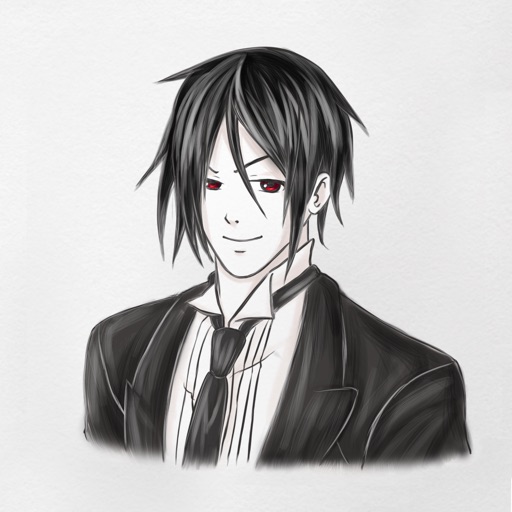
Attach character images to iMessage and MMS to deliver messages. Send messages with a cute character that speaks on your behalf. Compatible with iPhone and feature phones. Recipients receive messages with attached character images.
by Takafumi KAI★ 5.01 ratingsEntertainmentFreeData updated 2026-09-08
Create images of boys and men by adjusting features like eyes, mouth, hair, cheeks, clothing, and accessories. Save or share the created images. Explore various character styles including metro and beefcakes.
The app enables sending SMS text messages to multiple mobile phones. It allows for message scheduling up to one year in advance and provides delivery status reports.
Stream music from Slovenian radio stations. Add, edit, or remove stations. Support for multiple audio formats including MMS, OGG, WMA, AAC, AAC+, and MP3. Enable sleep mode for uninterrupted playback.
Create iMessage stickers from copied images. Add custom emoji or GIF stickers. Option to include a sticker-like border. Share directly within messages.
Track progress with a calendar and temple tracker. Access character and item databases for gift recommendations. View an interactive map for location-based hints and item placement.
Take photos of packages or delivery labels to automatically extract information. Match deliveries to recipients, manage notifications, send alerts, collect proof of pickups, and track all items entering the facility.
Download and use to send animated floral images in iMessage. Access via the iMessage drawer by tapping the icon. Select and send directly into messages. Drag and drop to add them to conversations.
Play a retro-style maze game by swiping to move the character and collect dots while avoiding enemies. Complete 70 challenging levels designed for iPhone 6S, 6S Plus, and iPad. New levels will be added periodically.
View travel times to destinations with map visualization and ETA calculations. Add to messages via iMessage. Access through home screen widgets. Option to include extra for walking and parking. Manage destinations in a single list.
Manage communications with a cloud-based number. Make and receive calls, send messages, and manage contacts through the . Set up virtual phone lines and integrate with existing systems for unified communication.
Add stickers to messages by opening a chat, tapping the button, and selecting a sticker. Send stickers directly to friends or messages. Restore purchased stickers on another device through the same purchase.
Use stickers to add emotion to messages. Place stickers in iMessage conversations or on images. Access stickers via the icon in iMessage. Includes 20+ designs for personalization.