
iPhone Screenshots

Description
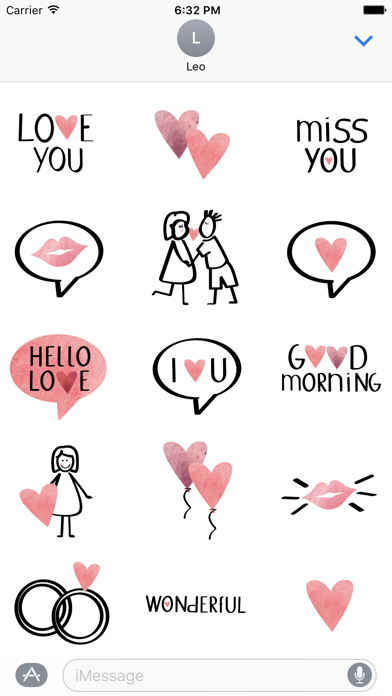
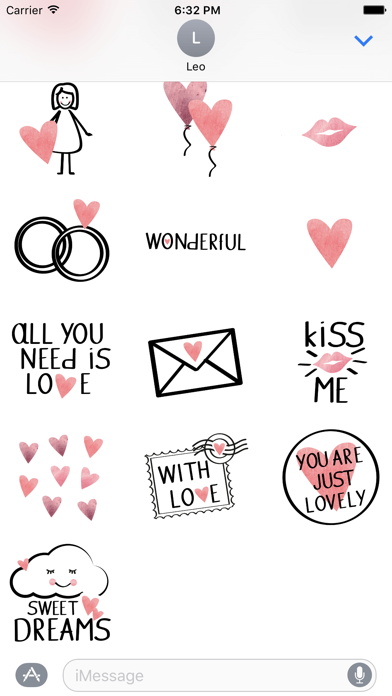
Use stickers to add emotion to messages. Place stickers in iMessage conversations or on images. Access stickers via the icon in iMessage. Includes 20+ designs for personalization.
Show your love with these 20+ beautifully designed stickers on a magical way. Just place one or more stickers in your conversation or on images – directly in iMessage.
Have fun with your new stickers!
Tips for use:
Sticker packs only function with iMessage. In order to use them, tap on the app symbol next to the input field for the text message in your iMessage conversations. There you will find all of your stickers.