Create drawings with customizable brush colors and sizes. Select from 60 color options for background and brush. Save or share artwork. Use random mode to change brush size or color automatically. Access 20 levels of undo.
by ATBOSH Media Ltd.★ 2.01 ratingsPhoto & VideoFreeData updated 2026-09-08
Create art with hand-drawn illustrations by Olivia De Bona. Choose from 50+ exclusive designs. Use tools to , sketch, and customize images. Save and share completed artwork. Adjust brush size and opacity for detailed work.
Draw with responsive touch input and customizable brush sizes. Apply sparkle animations while creating art. Save drawings to the device photo album. Share completed artwork directly.
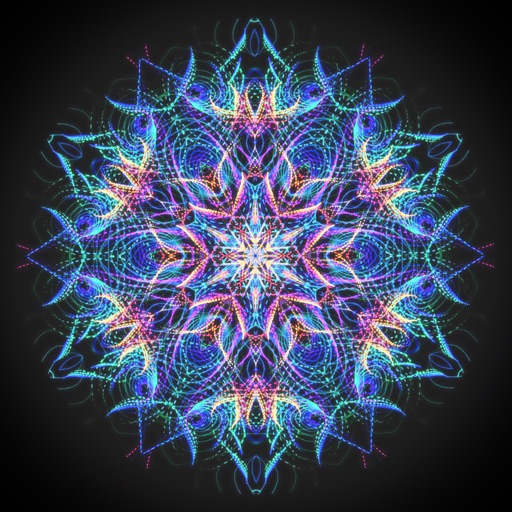
Create intricate drawings with customizable symmetry, background color, and brush settings. Apply shadows and use predefined patterns or images for inspiration. Export and share finished designs.
Create custom maps by selecting from world maps, continents, regions, and subdivisions. Color regions, add labels, and save or share maps. Export in various formats and use historical or fantasy map templates.
Create manicure designs by selecting skin tones and polish colors. Apply rhinestones, crystals, diamonds, gemstones, pearls, stickers, patterns, fimo, and resin. Customize designs or choose from pre-made salon options.
Create custom characters with adjustable colors for hair and face. Choose from male and female characters and customize clothing. Display all created characters on a single screen. Decorate backgrounds and adjust and background sizes.
Color drawings, solve puzzles, interact with sounds
Create drawings to color with an incredible sensitive paint brush. Solve puzzles with sounds and interactive backgrounds. Features simplified interaction for young children and proprietary "MAGIC BORDER" technology. Includes a fun happy ending scene.
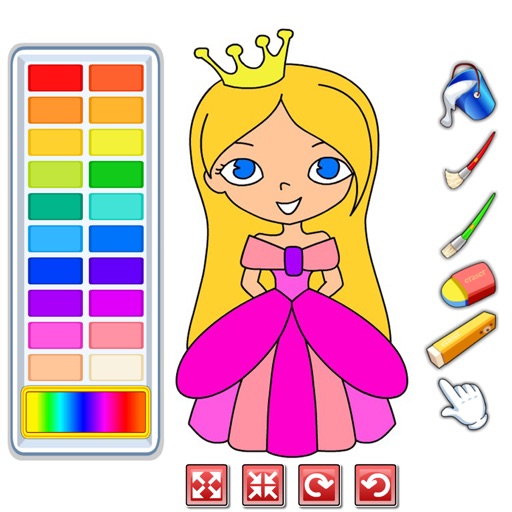
Choose from a variety of images to color. Select and apply multiple colors and tools to customize designs. Save and share completed artwork. Adjust brush size and opacity for detailed work.
Create art with a simple interface. Tap to draw and access basic tools for designing SNS icons, game skins, or craft patterns. Export artwork for use in perler beads, cross-stitch, or knitting projects.
On an with multiple colors and add typed text to illustrations. Erase or delete drawings. Choose background colors for the . Save creations and share via email or Facebook. Additional markers and backgrounds available in the complete version.
Create sketches and drawings using built-in brushes and canvases. Trace real-world images with AR technology. Save and share artwork directly. Adjust brush size and opacity for detailed work. Import images to base drawings on.
The app offers multi-layer photo editing for creating composites and artwork. It allows users to combine photos, add text, apply filters, and use AI tools for image generation and background editing.
Create animated swirling patterns and kaleidoscope artworks. Select from various brush styles and color palettes. Adjust speed and symmetry settings. Save and share generated artwork. Relax through interactive, meditative visuals.
Create and edit digital art with brush tools, layers, and color blending. Import photos and sketches. Adjust brightness, contrast, and saturation. Add text and shapes. Export artwork in various formats and share directly.
Create pixel art of characters, skins, and Battle Pass items. Choose from daily updated artwork. Customize colors and patterns. Save and share finished paintings. Play with friends via in- features. Track progress and unlock new art.
Create intricate designs, patterns, and mandalas using intuitive drawing tools. Use a single stroke to generate complex artwork. Access a variety of brushes and color options. Save and share creations directly.
Create pixel art using a grid-based drawing interface. Draw with customizable colors and brush sizes. Share artwork directly to social media or the in- community. View and comment on other users' pixel art.