Create drawings with customizable brush colors and sizes. Select from 60 color options for background and brush. Save or share artwork. Use random mode to change brush size or color automatically. Access 20 levels of undo.
by ATBOSH Media Ltd.★ 2.01 ratingsPhoto & VideoFreeData updated 2026-09-08
Kids can select pages from themed categories to create custom artwork. Color, print, and share creations with friends and family. Features include intuitive tools and options to save or print artwork.
Create art with a brush that generates unique curves not found in other drawing tools. Use adjustable settings to customize brush behavior. Draw freehand or use predefined patterns. Export artwork in various formats and share directly.
Create artworks using a -by- format with a wide range of colors. Select and apply colors to numbered sections. Save and share finished drawings. Use magnet for interactive selection and creative expression.
Create art by selecting colors and adjusting brush settings. Draw on a -like surface where flows and shifts. Manipulate to blend colors or form shapes. Use the dynamic behavior for creative expression and artistic experimentation.
Allows users to paint on real-world surfaces like walls, sidewalks, and floors using augmented reality. Users can select colors via a picker or shake for random colors. The dynamic brush adjusts size for detailed or bold strokes.
Color pictures using disc-shaped beads to create artwork. Select from various coloring pages. Add beads to fill sections and complete images. Save and share finished creations. Adjust bead placement and colors.
Play number puzzles in 5 modes including and Threes. Choose from 7 board sizes and 4 grid options. Customize with 14 themes, 4 color schemes, and 11 sound effects. Enable block or X2 modes for extra challenge. Sync progress across devices.
The app allows users to apply various effects to pictures using finger-painting techniques. Users can adjust brush properties and image effects, with processing done at original resolution.
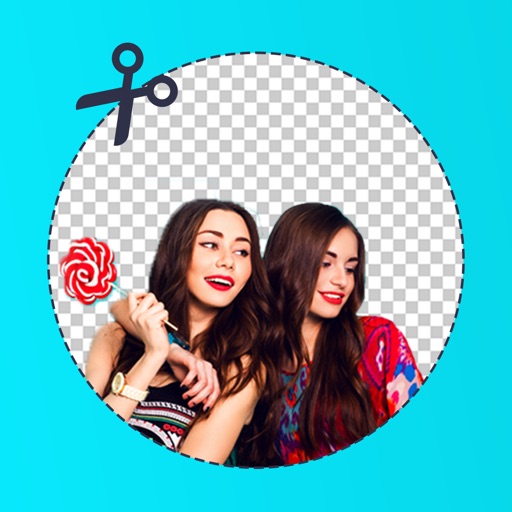
Edit photos by removing backgrounds with mode, object extraction, and quick select tools. Use transparent backgrounds for stamps and collages. Share edited images directly with other apps.
The app provides a digital whiteboard experience for drawing and sketching. It offers multiple marker colors and tip sizes, with undo/redo functionality and the ability to save drawings.
Edit photos with stretching, squeezing, pinching, and prodding tools to create surreal effects. Apply advanced image manipulation techniques similar to professional software. Export edited images in various formats and share directly.
The app allows children to color pictures of various boats. Users can select from different brush sizes and a color palette, including a rainbow option.
Ride horses in open-world environments with first-person view. Control movement via left and right screen swipes. Brush, bathe, and cuddle horses to maintain happiness. Feed horses with treats and manage their care routine.