Graffiti AI: Graffiti Text Art
Nalin Savaliya
Write on photo with fonts
Add to photos using customizable fonts and color styles. Apply filters to enhance artistic appearance. Save and share edited images directly.
Photos with text and style
Photos by selecting an image from the library or taking a new one. Add text with customizable fonts, colors, sizes, and borders. Position text on the and share the labeled image.
Showing 81–100 of 1,000 ranked alternatives.
Nalin Savaliya
Write on photo with fonts
Add to photos using customizable fonts and color styles. Apply filters to enhance artistic appearance. Save and share edited images directly.
Just4Fun Mobile Sp. z o. o.
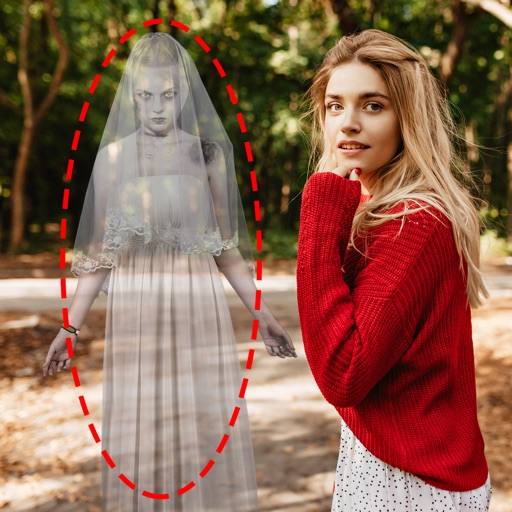
Add ghosts to photos and edit effects
Edit photos by adding ghosts, monsters, or zombies from 62 options. Adjust transparency, color, saturation, brightness, and contrast for each creature. Position and resize creatures freely. Share finished photos with friends.


Dongwook Cho
Create collages, slideshows, and videos
Create photo collages and video slideshows with customizable layouts, colors, and patterns. Add text, filters, and music. Edit photos with object removal, skin softening, and blur effects. Include stickers, outlines, and background adjustments.

Foto Friend Pty Ltd
Edit photos and videos professionally
Edit photos with crop, rotate, exposure, color, sharpness, and resize tools. Create grid collages and edit individual images. Access presets, clone tool, and fine curve adjustments for detailed edits. Export and share edited photos directly.

Sangmook Lee
Use original size photos with background.
The app allows users to edit photos with a white background for Instagram. Users can adjust brightness, add frames, and include text or stickers.

Sameh Salama
Save photos with date and time stamps
Save date-and-time stamped copies of photos. Position date and time stamps by dragging them across the image. Add custom dates and times. Format dates and times with advanced options. Choose colors using an intuitive color picker.

FANG Inc.
Post entire photos without cropping.
The app allows users to crop photos into a square shape for posting on Instagram. It supports both landscape and portrait orientations and offers various background options and effects.
科峰 王
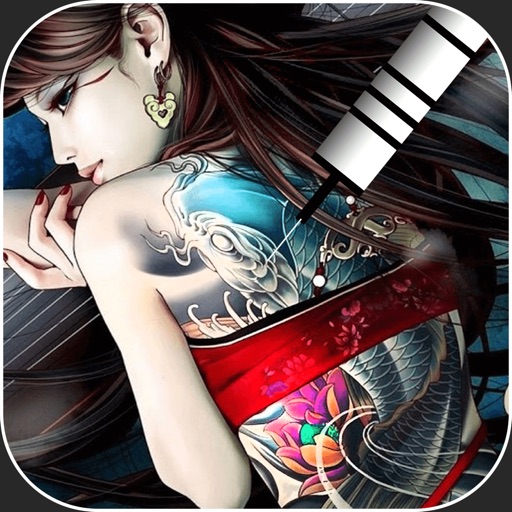
View, edit, and share tattoos
Create virtual tattoos on photos by selecting from 100+ black and white or 60+ color totems. Add text or captions and adjust position, rotation, size, font, or color. Save edited images to the photo library or share via social media.
Alexey Tataurov
Create clouds with custom themes and layouts
Create clouds by selecting color themes, fonts, and layouts. Choose from six layouts including horizontal, vertical, and half and half. Input text to generate clouds where common words appear larger.

Vendi Mobile Technologies Private Limited
Edit , clips, add text and animations
Edit by merging multiple clips, rearranging, and removing sections. Add multiple text messages with animation, custom fonts, and styling options including stroke, shadow, and background. Export final edits.

晶 王
Create collages with border options and share
Create collages by combining 1-9 photos with customizable layouts. Adjust border size, roundness, and shadow. Add blur border option for enhanced visuals. Edit photos creatively. Share collages directly with friends.

Eric Patno
Contacts and print labels instantly
Create custom labels by selecting contacts, choosing layouts, fonts, sizes, and colors. Select Avery product names or numbers. Preview and print labels directly. Supports AirPrint compatible printers.

Shanghai ThanMore Network Technology Co., Ltd.
Print labels with cloud templates and auto-numbering
Connect to Bluetooth devices for label printing. Design custom labels with adjustable size, orientation, background images, text, barcodes, and graphics. Share templates online. Automatically generate serial numbers from Excel data.

VIDEO EDITOR PTE. LTD.
Remix photos and share instantly
Create collages by combining multiple photos into a single framed image with captions. Add 2D and 3D effects. Share finished collages on social media platforms like Facebook, Twitter, and Flickr.

Wilson Tjoa
Create unlimited collages with one tap.
The app creates unlimited collages with a single tap using a SmartSorting algorithm. Users can import photos, select modes, and apply various styles, text, backgrounds, filters, and stickers.

Giuseppe Cigala
Add to photos and export
Load photos from a table. Add text or image watermarks with customizable font, color, opacity, and positioning options. Resize photos to desired dimensions. Export in PNG, TIFF, JPG, GIF, BMP, JP2, or HEIF formats.

Apoorva Doddareddy
Combine videos and photos easily.
The app allows users to merge multiple videos and photos into a single movie. Users can add text layers, apply filters, and include custom shape overlays for a professional look.

DHH Properties, LLC
Scan, manage, and organize items
Organize storage by scanning QR codes from . Add item names, photos, and descriptions. Search for items by name or location. View label color and ID to locate items quickly.
Solution Cat Limited
Create collages with layouts, filters, and stickers
Create collages using 300+ layouts and customize shapes and aspect ratios. Apply 200+ filters, add stickers, HD backgrounds, text with stylish fonts, doodles, and quotes. Share collages directly to Instagram and other social media platforms.
Apps are ranked by functional similarity, category fit, rating confidence, and popularity.