
iPhone Screenshots

Description
Create custom labels by selecting contacts, choosing layouts, fonts, sizes, and colors. Select Avery product names or numbers. Preview and print labels directly. Supports AirPrint compatible printers.
Label it! is your solution for labels!
Address Labels
Name Tags and more
Dozens of Avery label products are supported
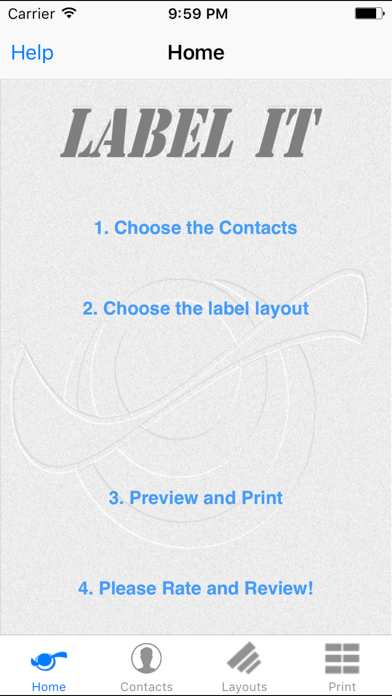
Print labels directly from the app in just a few simple steps:
Select one or more of your contacts
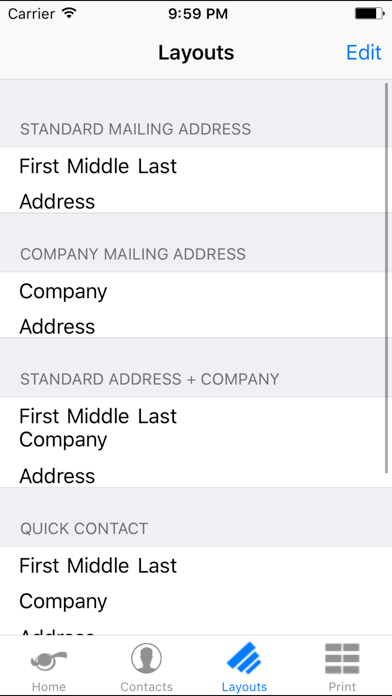
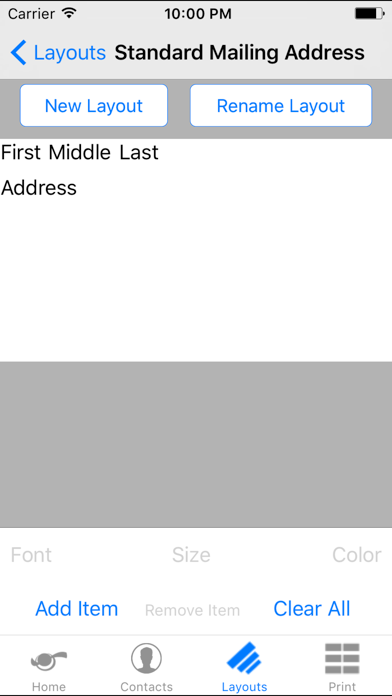
Select a pre-built layout or create your own! Even choose the font, size, and color you want.
Select the Avery product number or name
View the print preview and print
An AirPrint compatible printer is recommended. (For a list of AirPrint compatible printers see: http://support.apple.com/kb/ht4356)
PLEASE NOTE: Some printing apps may shrink or otherwise change the document to be printed which may result in the labels not lining up with your choice of media. For best results use the built-in Print option.