The app provides a blank canvas for children to paint with random brush sizes and colors. Users can set the background color, use photos as backgrounds, and access unlimited undo functionality.
Edit by selecting from the gallery or taking a new photo. Adjust images to a square format. Add text with customizable fonts, colors, and borders. Move, rotate, and scale text. on with finger input.
The app offers drawing tools, color options, and frame management for creating animations. Users can export animations to video or animated GIF formats and share them.
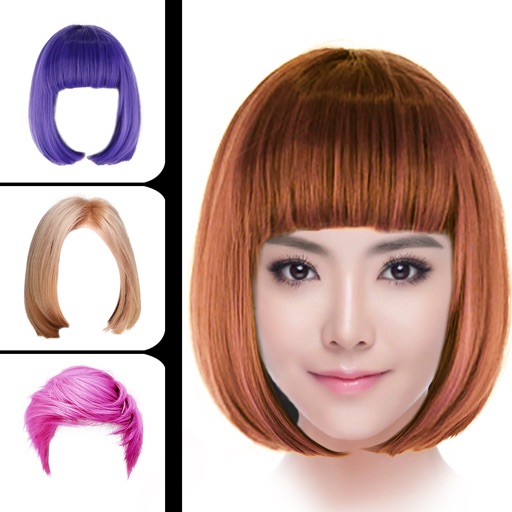
Change hair style using smart face recognition to automatically match hairstyles. Dye hair by selecting colors and applying them directly to the hair. Export styled results for viewing or sharing.
Create photo books by selecting photos from iPhone, iPad, iCloud, Google Photos, Facebook, or Instagram. Choose from suggested albums or manually select images. The designs layouts in seconds using a smart algorithm.
Create artwork by selecting up to 300x300 stitches and 128 colors. Place stitches by tapping, paint by number, and save progress. Import images for custom designs. Stitch adjacent plaids in 3x3 grids. View completed patterns and export as images.
Use the to capture or select a reference image for painting. Adjust the canvas size to match the chosen window. Access grid options like the golden ratio or use no grid.
Create art by drawing on pages with customizable brushes. Choose from 10 brush types including oil, chalk, and watercolor. Paint detailed images of princesses, animals, dinosaurs, cars, and planes. Save and share finished artwork.
The app converts photos into pencil sketches and offers a collection of coloring pages. Users can select photos from their album or take new ones with the camera to create sketches.
Capture photos and videos with real-time sparkling lens flares. Choose from star, snow, flower, and tree shapes. Add or remove glitter objects manually in photos and videos. Adjust sparkles in the photo album.
Edit photos by applying filters and adding eye effects. Choose from multiple eye styles and import images from the camera roll. Share edited photos on social media platforms like WhatsApp, Facebook, and Twitter.
Color by number game allows users to select and fill numbered sections with colors. Complete puzzles by matching numbers to colors. Choose from various themed images. Save progress and share completed artwork.
Create videos using personal photos and . Select images from the Photo Library, apply transition animations and set frame durations. Save videos to the Photo Library or share them directly.
Add multiple decorated texts to photos with various fonts and styles. Adjust color, size, and shadow. Add outlines and reposition texts. Save the edited .
Create drawings using bright colors and various brushes, glows, hearts, dots, and stars. Paint and record your sessions to review your artwork. Access pro features via optional subscriptions.