Turn photos into retro video game-style images. Select pixel shapes, sizes, and color schemes. Adjust colors and flatten palettes. Pinch to resize pixels or double-tap to switch color modes.
by Jesse Smith★ 4.216 ratingsEntertainment$1.99Data updated 2026-09-08
Edit photos by selecting frames in square or portrait format. Reposition, resize, and crop images within the . Customize appearance and apply filters. Preview final edits and save to photo library.
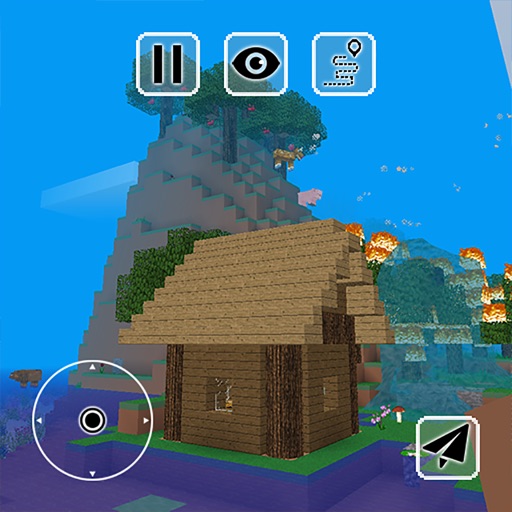
Survival simulator game allows players to manage resources, build shelters, and defend against zombie attacks. Explore a post-apocalyptic world, craft tools, and complete missions to survive.
Create art in a retro 80s style. Design simple or complex drawings and animations. Share with others. Customize sticker size and color. Add text and effects. Export and send via messaging apps.
Teaches basic shapes, colors, and sizes through interactive games. Children arrange objects by attributes, solve logic-based puzzles, and create geometric figures. Features include sorting tasks, matching activities, and progress tracking.
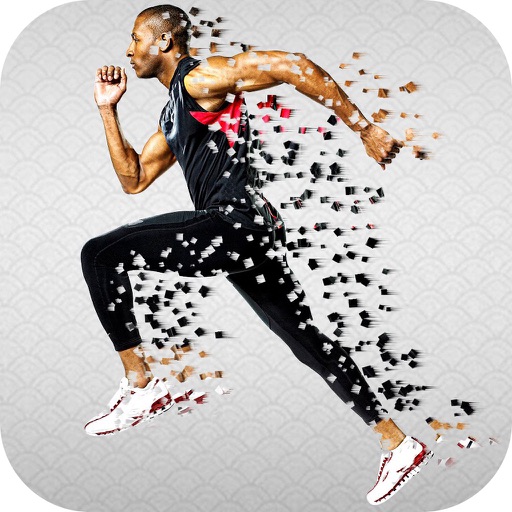
Apply photo effects to enhance images. Add stickers, text, and frames. Choose from various artistic styles including pixel bleeding effects. Edit and share modified photos directly.
Solve number grid puzzles to reveal pixel art images. Complete daily challenges and progress through episodes. Adjust difficulty settings and track achievements. Share completed puzzles with friends.
Edit to convert dark areas into for OLED screens. Reduce battery usage by turning off pixels in dark sections. Apply custom to improve battery life and enhance display contrast.
Edit photos with color and film filters, vintage textures, and light leak effects. Adjust brightness, contrast, and saturation. Add vignettes and analog film sensations. Export edited images in various formats.
Play 8-bit style games like Meteoroids, Bit-Breaker, Snek, and Carrier Chicken. Select modes and control characters with on-screen buttons. Save progress and view high scores. Share achievements via social media.
Play a 8-bit platformer game with 50 challenging levels. Solve fun puzzles and navigate pixel art environments. Use arrow keys and buttons for movement, jumping, and actions. Enjoy relaxing 8-bit music and a challenging gameplay experience.
The app offers a clean interface and clear canvas for creating pixel art. It includes features like onion skinning for game sprite creation and supports large canvases up to 4096x4096 pixels.
Resize and crop images with precise aspect ratio control. Batch process multiple files for efficiency. Export in various sizes including @2x and @3x. Edit metadata and prepare images for social media or professional design use.