Draw on a customizable whiteboard with 60 background and brush color options. Select from 4 brush sizes. Save or share drawings. Use random mode to change brush size or color automatically. Access 20 levels of undo.
by ATBOSH Media Ltd.★ 3.58 ratingsPhoto & VideoFreeData updated 2026-09-08
Create and edit digital art with brush tools, layers, and blending modes. Import and manipulate images. Save and export in various formats. Sync files via iCloud Drive. Support Apple Pencil for precise drawing. Render graphics using GPU acceleration.
Create intricate drawings with customizable symmetry, background color, and brush settings. Apply shadows and use predefined patterns or images for inspiration. Export and share finished designs.
Create art with hand-drawn illustrations by Olivia De Bona. Choose from 50+ exclusive designs. Use tools to , sketch, and customize images. Save and share completed artwork. Adjust brush size and opacity for detailed work.
Create digital artwork using drawing tools and customizable templates. Access categorized sketch ideas for different skill levels. Save and share drawings directly. Adjust brush settings and layer options for detailed artwork.
Create custom black-and-white line drawings using AI prompts. Draw freely with customizable tools. Access a global community for sharing and feedback. Save and export artwork in various formats.
Learn to characters and animals with guided tutorials. Choose colors and customize designs. Save and share drawings. Access a variety of kawaii characters, anime, food, and holiday themes.
Create art with a simple interface. Tap to draw and access basic tools for designing SNS icons, game skins, or craft patterns. Export artwork for use in perler beads, cross-stitch, or knitting projects.
Upload photos to create fine art. Apply oil-painting effects with adjustable brushstrokes and textures. Save and share high-resolution outputs. Customizable color palettes and brush sizes. Export images for printing or digital use.
Create sketches and drawings using built-in brushes and canvases. Trace real-world images with AR technology. Save and share artwork directly. Adjust brush size and opacity for detailed work. Import images to base drawings on.
Create custom maps by selecting from world maps, continents, regions, and subdivisions. Color regions, add labels, and save or share maps. Export in various formats and use historical or fantasy map templates.
Edit photos with brushes and black-and-white effects
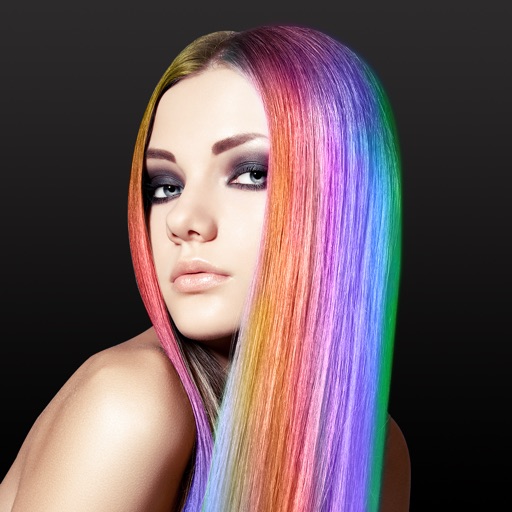
Edit photos by converting them to black and white and selectively retaining with a finger brush tool. Zoom in and out using two-finger pinching for precise adjustments. Share edited images via email or upload to Twitter, Flickr, or Dropbox.
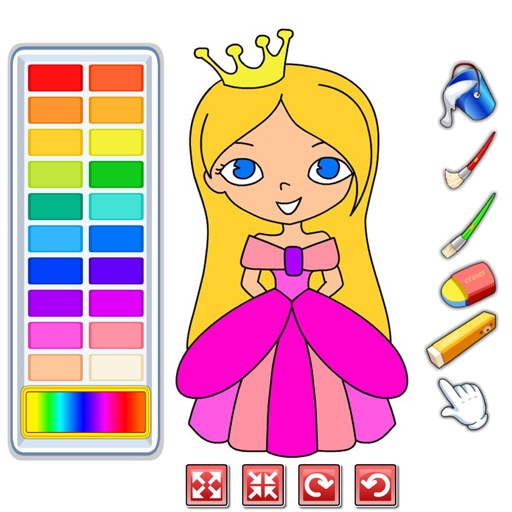
Choose from a variety of images to color. Select and apply multiple colors and tools to customize designs. Save and share completed artwork. Adjust brush size and opacity for detailed work.
Edit photos with auto tuning, background change, and blur features. Retouch faces with skin and feature enhancements. Adjust colors, brightness, and contrast. Add text and stickers. Export in various formats and share directly.
Color drawings, solve puzzles, interact with sounds
Create drawings to color with an incredible sensitive paint brush. Solve puzzles with sounds and interactive backgrounds. Features simplified interaction for young children and proprietary "MAGIC BORDER" technology. Includes a fun happy ending scene.
Create intricate designs, patterns, and mandalas using intuitive drawing tools. Use a single stroke to generate complex artwork. Access a variety of brushes and color options. Save and share creations directly.
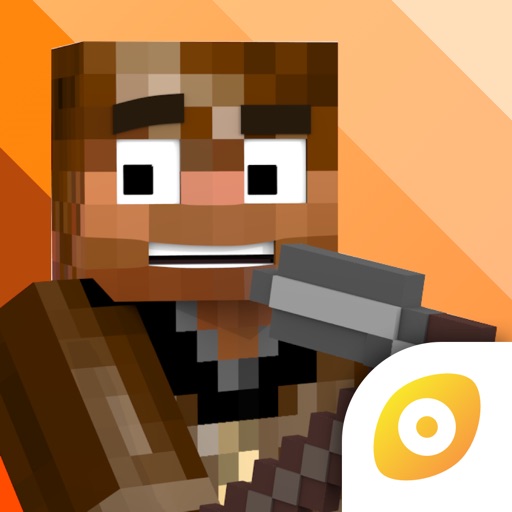
Edit Minecraft skins with advanced tools including smart colors, simple body selection, copy and paste, color dropper, editing grid, eraser, and multiple brush sizes. Apply changes instantly in Java . Edit offline and undo actions quickly.