Perform complex calculations with scientific formulas and unit conversions. Access calculation history via Spotlight and 3D Touch. Use widgets for quick access and history integration. Sync with Apple Watch for notifications and basic calculations.
Resize images to custom sizes with pixel, millimeter, centimeter, or inch units. Maintain aspect ratio by linking width and height fields. Save, email, print, or share edited images. No ads or in- purchases.
A a log of all calculations. Displays input equations and results clearly. Includes backspace function. Allows adjustable keyboard size and number font size. Supports customization of decimal places, font size for , and display format.
Measure objects using touch as or tape measure. Split objects into equal parts and calculate width/height ratios. Estimate diameter, angles, and divide circular objects. Switch between millimeters and inches for units.
Calculate and mortgage payments with customizable terms, interest rates, and frequencies. Display breakdowns of interest and principal. Estimate repayment time. Compare options. Export results via email or file. Save details for future reference.
Reframe photos by adjusting the frame or dragging handles to reposition elements. Use aspect ratios and grids to guide composition. Straighten images without losing resolution. Achieve balanced compositions by recomposing existing photos.
The app calculates final drive ratio and rollout for radio control cars. Users can select cars by manufacturer and model, inputting pinion and spur gear sizes.
Create collages by combining pictures, videos, or a mix of both. Choose between sequential or delayed video playback. Use built-in layouts or design custom ones. Select from 1:1, 9:16, 3:4 ratios or set custom proportions.
Allows users to input puzzles via image or keypad. Features include solving entire puzzles or individual numbers, creating and printing puzzles, and erasing last entry by shaking.
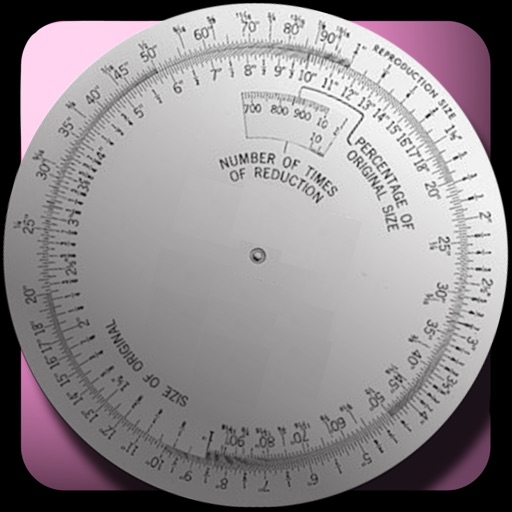
The app calculates new image dimensions while maintaining aspect ratio to prevent distortion. It offers fraction and percent modes, and an image scale tool for precise pixel sizing with a preview.
Edit videos with trimming, splitting, and merging tools. Add text, stickers, and background music. Apply filters and transitions. Export in various formats and share directly. Remove watermarks and adjust audio settings.
Record with one tap, capture high-resolution video without ads or watermarks. Include system audio and microphone input. Edit recordings with trimming, cropping, and effects. Export videos to photo library.
The app prepares images for websites, reduces file sizes for sharing, and batch resizes folders of images. It supports individual or bulk resizing, preserves aspect ratio, and processes images quickly.
Create and edit spreadsheets with formulas, charts, and formatting. Import and export files to Excel, Numbers, and cloud services like Dropbox, Google Drive, and iCloud. Share spreadsheets via email or cloud links. Sync data across devices.