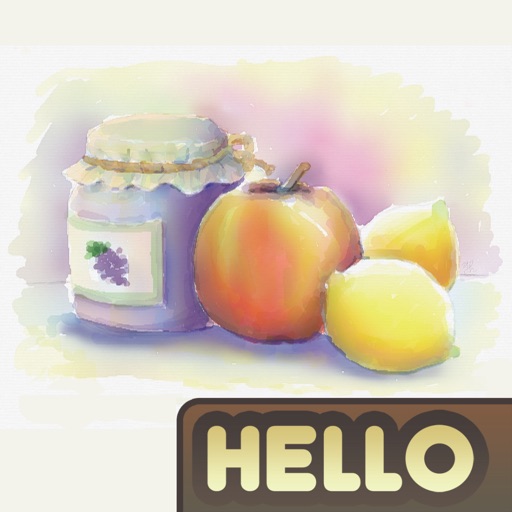
The app simulates watercolor blending and spreading behaviors using fluid simulation technology. It supports techniques like wet-in-wet, wet-in-dry, dry brush, and dry on wet, along with pencil sketching.
And drawing allows users to select from 100+ images featuring girls, princesses, animals, dinosaurs, and cars. Users can apply nine brushes including neon glow and rainbow. Record drawings as animation clips.
The app offers a simple and nice design for users of all ages to enjoy. Users can choose colors, patterns, and brush types to color drawings and clear the canvas.
Create and animate drawings with a variety of painting tools and brushes. Record and share artwork as videos. Use a whiteboard for tutorials and pitch recordings. Access symmetry and guides for precision. Export creations in multiple formats.
Create and customize featuring gradient palettes. Select from patterns, multi-, vibrant, or pastel gradients. Unlock all images a single in- purchase. Restore previous purchases. No subscriptions required.
Coloring book allows users to select images and cells by tapping numbered sections. Features include choosing colors from a palette, following numbered guides, and completing artwork. Users can save and share finished drawings.
Color images of princesses using a variety of hues and tools. Select from different illustrations. Customize colors and patterns. Save or share completed drawings.
The app offers a painting experience on iOS devices with an OpenGL-based engine. It records and replays the creative process and supports large canvas dimensions.
Images of grandmothers' hobbies and home life. Customize colors and patterns. Save and share completed artwork. Access a library of family-themed coloring pages. Adjust brush size and opacity for detailed work.
Create art by selecting colors from a palette and applying them to numbered cells. Swipe over cells with the same number to color faster. Use Color Splash to fill surrounding areas and Magic Wand to color adjacent cells of the same number.
The app offers 11 pre-made decision wheels for various situations, from choosing a restaurant to deciding on a movie. Users can spin the wheels, hide options, and use color themes, including dark mode, with offline functionality.
Create 3D models by stacking in a virtual world. Paint with an easy-to-use color palette. Rotate models using a 360-degree camera and zoom in or out for detailed views. Destroy models with tools like TNT, ray guns, and dynamite.