iPhone Screenshots
Description
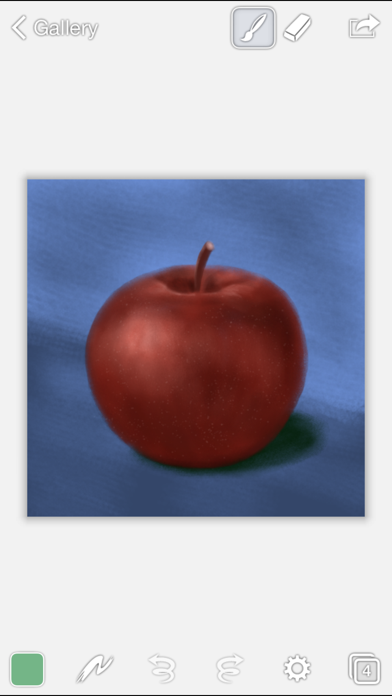
Brushes Redux is a painting app designed exclusively for iOS. Rewritten from the ground up, Brushes Redux is universal — the same version runs on both your iPhone and your iPad. Move paintings between your devices and keep working wherever you go.
An accelerated OpenGL-based painting engine makes painting smooth and responsive — even with huge brush sizes. Brushes also records every step in your painting. Show off your creative process by replaying your paintings directly on your device.
General Features:
– Create paintings with dimensions up to 4096x4096
– Full support for all Retina devices
– Background autosave
– Unlimited undo and redo
– Simple and approachable interface
Painting:
– Full screen painting
– Record and replay paintings
– Ultrafast OpenGL-based painting engine
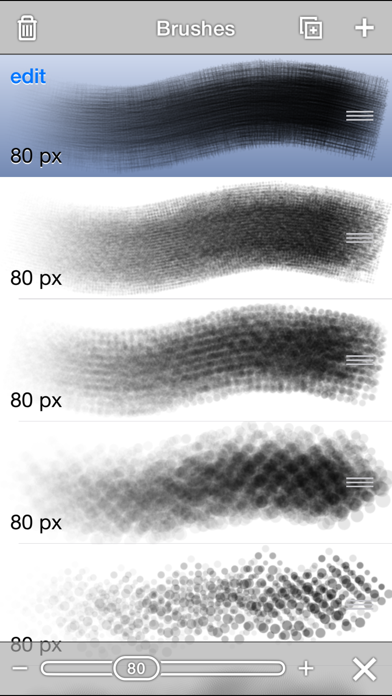
– Huge brush sizes up to 512x512 pixels
– Simulated pressure
– 64-bit painting on the latest hardware
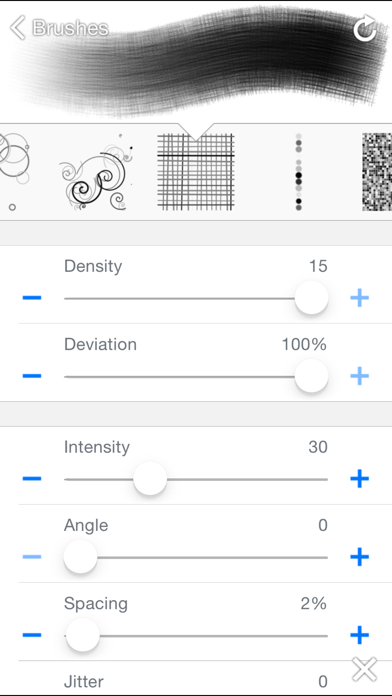
– 14 parameterized brush shapes
– Adjustable brush settings (spacing, jitter, scatter, etc.)
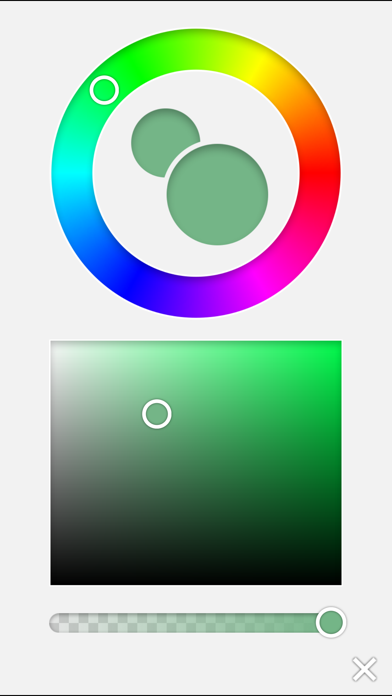
– Adjustable color opacity
– Invert color and desaturate
– Flip and arbitrarily transform layers
– Adjustable color balance (iPad only)
– Adjustable hue, saturation and brightness (iPad only)
Layers:
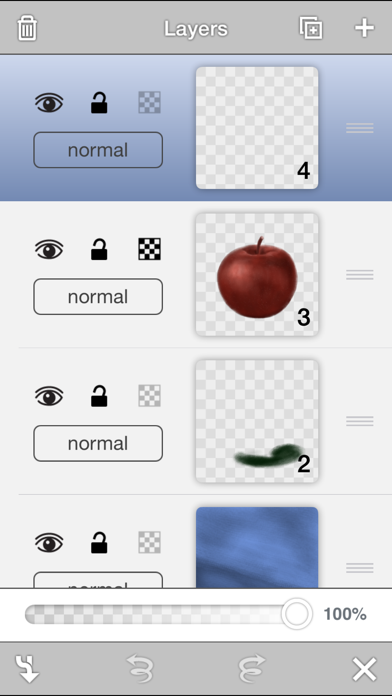
– Create up to 10 layers
– Lock and hide layers
– Lock layer transparency
– Adjust layer opacity
– Duplicate, rearrange, and merge layers
– Change blending modes: normal, multiply, screen, exclude
Import and Export:
– Integrated with Dropbox
– Import native Brushes 3 files, JPEG, and PNG files
– Export as native Brushes 3 files, JPEG, PNG, and Photoshop files (with layers)
– Place images from your photo album into paintings
– Copy paintings to the pasteboard
Gestures:
– Zoom with two finger pinch
– Zoom in with two finger double tap
– Zoom to fit with two finger double tap
– Toggle interface visibility with a single tap (this can be changed to a two finger tap in the app settings)
– Tap and hold to access eyedropper tool
Screenshot credit: "Portrait of Ally" by John Bavaro (http://johnbavaro.com)