Generate placeholder text in Latin, Greek, Hebrew, or Hindi. Create custom modules with adjustable text length and complexity. Export text as plain text or copy directly. Share generated text via copy-paste.
by Eyal Redler★ 0.00 ratingsProductivityFreeData updated 2026-09-08
Generate synonyms and rephrase text to enhance writing. Edit documents for originality and avoid plagiarism. Save time by transforming content with instant paraphrasing.
Create custom designs by selecting from various tailored for use. Input text to generate lettering. Adjust font styles and layouts. Export designs for use with artists or personal reference.
Create images using text prompts with AI-generated art. Apply filters like photo, hyperrealism, gothic style, impressionism, and anime. Edit and export images in various formats. Share generated artwork directly.
Smart On- Tools allow instant text refinement and translation. Grammar correction and text prediction are available during typing. Translate text between languages directly on the . Refine and rewrite text with AI suggestions.
Rewrite text by suggesting alternative phrases and sentence structures. Edit documents, emails, and messages for clarity and flow. Save and share revised content directly.
Convert text into visual artwork using AI-generated images. Edit and refine designs with customizable styles and color palettes. Export creations in various formats and share directly.
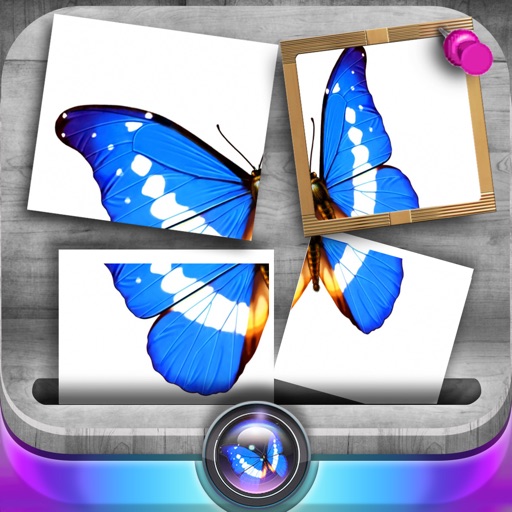
Edit photos by slicing and reassembling them freely. Decorate slices with stickers, frames, text boxes, backgrounds, and filters. Combine multiple photos by to create custom art.
Generate , random passwords with customizable length and character types. Create and save multiple passwords securely. Share passwords via copy-paste or email. Set expiration dates for entries.
Text directly from any using a widget in Notification Center. Automatically copied content and paste it across platforms. Combine multiple copied items into one and share seamlessly. Edit copied text within the .
QR codes and barcodes by aligning them in the camera view. Automatically recognize codes and open URLs in the browser. View text, copy, or share content from codes. For phone numbers, emails, or contacts, take appropriate actions.
QR code and reader scans and saves up to 100 histories. Generates QR codes from text input. Provides today extension and homescreen widget for quick access to scan history.
Create logos using AI-generated designs. Choose from multiple styles and color options. Customize text and symbols. Export logos in various formats and share directly.
Create professional cards with templates and design
Create professional cards with customizable templates, fonts, icons, and layout tools. Add text, images, and logos. Export as PDF or print-ready files. Share via email or social media.
Use text prompts to generate artwork. Choose an art style and let the AI a painting. Edit and refine the generated image. Share the final artwork directly.
Scan QR codes and barcodes with flash support. Read and save scanned codes to camera roll. Generate custom QR codes and barcodes. Share via mail, SMS, or copy to clipboard. View scan history and access Safari directly. Upload codes to Facebook.
Translate text in images by pointing the at the text. Use voice input to translate spoken words. View translated text and object recognition results in real time. Share translations via text or social media.
The app offers a text and equation editor with extensive character sets and mathematical operators. Documents can be edited collaboratively and shared on social media.
Organize and generate written content with in-text citations. Humanize AI-generated text to improve flow and readability. Check grammar and detect AI content. Paraphrase text and export results quickly.
Create certificates, gift cards, vouchers, and coupons
Create certificates, gift cards, vouchers, and discount coupons with customizable templates. Add text, images, and logos. Adjust layouts and colors. Export as PDF or image files. Share via email or social media.
The app provides a Khmer keyboard for iOS users to type and save Khmer text. Users can send Khmer text via email, copy it to other applications, and print it.