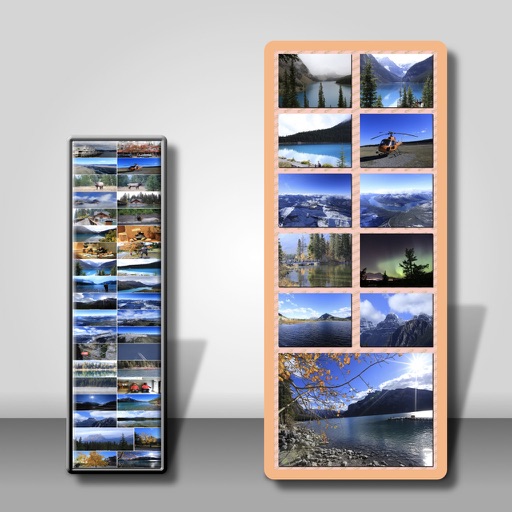
Resize images in bulk with batch processing capabilities. Convert file formats simultaneously. Adjust dimensions and aspect ratios. Save settings as presets. Drag and drop files for quick access.
by Nobuatsu Sekine★ 0.00 ratingsGraphics & DesignFreeData updated 2026-09-08
The app converts PDF pages into JPEG, JPEG2000, PNG, TIFF, and BMP image formats. It offers batch conversion of hundreds of files with options for image quality, resolution, and colorspace.
Videos of any size without quality loss. Resize videos to different resolutions. Convert videos to various formats. Save space and share videos quickly. Export compressed files directly.
The app allows users to resize, watermark, crop, transform, and export photos in batches. It supports various export formats and viewing options, including metadata persistence and DPI settings.
Photos to reduce file size without losing quality. images to fit specific dimensions for social media or web use. Organize gallery by managing photo sizes and formats.
Play videos in various formats including MKV and ultra HD. Select and play videos from files. Support for multiple file types. Manage and view videos within a media manager interface.
Resize photos to fit Instagram's format. Adjust dimensions and crop images precisely. Share edited photos directly to social media. Maintain image quality during resizing. Apply basic editing tools for optimal framing.