Edit images by detecting and highlighting contours to create pencil-drawing effects. Select photos from the device library or capture new ones. Apply the contour effect and view the resulting image on the screen.
by Luigi Fonti★ 1.01 ratingsPhoto & Video$0.99Data updated 2026-09-08
Create light-based drawings using finger gestures on the screen. Share creations with friends and family via social media or messaging. Save finished designs as photos in the device's gallery.
Transform photos into -ray images using AI-driven contour detection. Save creations to a gallery and share on social media. Apply Hollywood-quality effects for creative or entertainment purposes.
Professional camera and photo editing application.
The app offers a professional camera with extensive photo editing capabilities. It includes filters, adjustments, effects, blur, focus, drawing, cropping, resizing, and text tools for image enhancement.
Create collages using 30+ templates including grids and squares. Add photos from camera or library. Capture live camera images directly. Save and share images. Customize border colors.
Captures wide-angle photos with a lens effect. Adjust intensity and crop images. Save and share photos directly. allows drawing on images using touch gestures. Export drawings via email or social media. Access a library of drawing tools and colors.
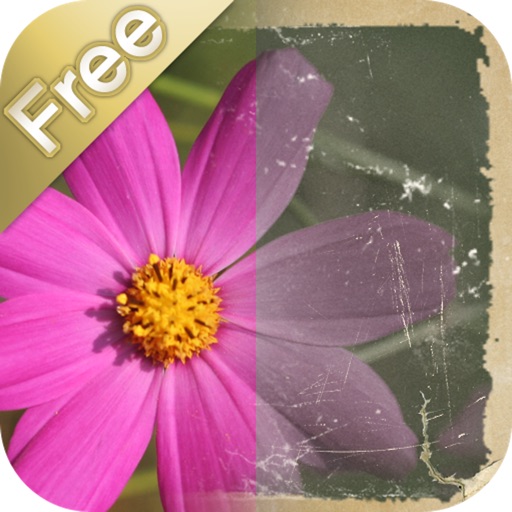
Edit photos with detailed controls including frames, filters, contrast, brightness, and saturation. Adjust images to create a classical atmosphere. Apply effects and save changes to the device's photo album.
The app transforms user photos into cartoon-like pictures using a toon shine effect. Users can apply this filter to images taken with their camera and share the results on social media or save them.