Apps Like FishEye Camera & Photo Doodle for iPhone and iPad
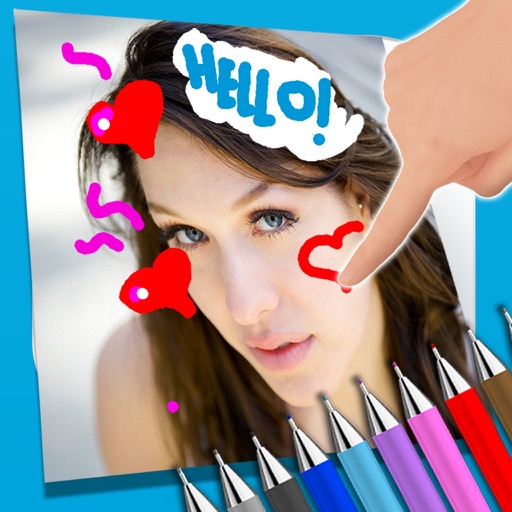
Draw on photos and share them
Captures wide-angle photos with a lens effect. Adjust intensity and crop images. Save and share photos directly. allows drawing on images using touch gestures. Export drawings via email or social media. Access a library of drawing tools and colors.
by 颖 陈★ 1.02 ratingsUtilitiesFreeData updated 2026-09-13
Draw and paint images using customizable color pencils, pastels, and brushes. Choose colors freely and adjust settings for precise control. Save artwork to camera roll and share via Facebook or Twitter.
Create drawings and sketches on customizable canvas backgrounds. Record sessions as videos. Share creations with friends. Choose from preset color palettes for different coloring styles.
Edit photos with enhancement tools, effects, and color splash. Add stickers, frames, and overlays. Create collages and custom drawings. Crop, rotate, flip, and straighten images. Adjust brightness, contrast, and saturation.
On a chalkboard surface and shake to erase drawings. Add sound effects for drawing and erasing. Save images to Photos and email them. over photos to modify them. Play games like hangman, tic-tac-toe, and squares.
Capture photos a 178-degree fisheye lens for wide-angle . Apply 40+ filters and 8 ring textures for creative enhancements. Switch between lenses, filters, and textures for customized looks.
On a virtual surface with finger or stylus input. Choose from various drawing tools and colors. Save and share creations directly. Supports touch and pen interaction for precise drawing.
On with precise tools. Add text, shapes, and stickers. Insert layers and blend images. Create collages with frames and stamps. Design custom stickers and share directly via iMessage or the .
Capture -angle and panoramic photos using real-time lenses. Adjust distortion levels and select from multiple presets. Edit images with crop, rotate, and brightness tools. Share photos directly to social media or save in high-resolution formats.
Edit photos with advanced filters, cropping, and adjustment tools. Create digital art using AI image generation and text-based ideas. Enhance images with AI-powered tools and export in multiple formats. Share edited photos directly from the .
Create and edit drawings using various tools like Pen, Line, Arrow, Rect (Stroke/Fill), Ellipse (Stroke/Fill), Eraser, and Text. Choose from multiple colors including Black, Red, Green, Blue, Yellow, and more. Save or share drawings directly.
Edit photos by drawing on them with adjustable brush sizes and color choices. Use an erase tool and undo/redo functions for precision. Save edited images for later changes or share them directly on social networks.
Edit photos with brightness, saturation, and contrast adjustments. Add text, stickers, and memes. Crop, rotate, and straighten images. Apply effects and frames. Sharpen or blur photos. Import images from the camera roll. Fix red tones.
Select and edit photos from the album or camera. Use the lasso tool to draw a closed path for blurring. Adjust difficult areas with the Touch feature. Apply over 30 effects and fine-tune the selection.