Edit photos with enhancement tools, effects, and color splash. Add stickers, frames, and overlays. Create collages and custom drawings. Crop, rotate, flip, and straighten images. Adjust brightness, contrast, and saturation.
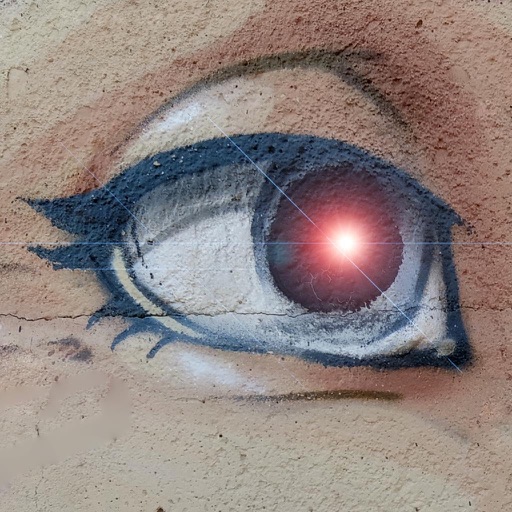
Capture infrared light using specialized filters to create surreal, colorful images. Adjust balance and exposure settings. Export photos in various formats and share directly.
Edit videos by colorizing specific parts and adjusting brightness, saturation, and hue. Change of selected areas, adjust contrast and white balance, and apply vignette effects. Convert videos to black and white with retention in chosen details.
Edit photos with filters, cropping, and brightness adjustments. Add text, stickers, and frames. Create collages and enhance images for social sharing. Trim and cut videos. Export in multiple formats and share directly.
Edit photos with layers, filters, and brushes. Adjust brightness, contrast, and color. Add text and stickers. Export in multiple formats and share directly.
Capture photos in and with real-time contrast and exposure adjustments. Preview high-key or low-key effects in the viewfinder. Use Zen mode to focus on composition without technical distractions.
The app offers tools to enhance photos, remove blemishes, and apply various effects. Users can combine photos into collages, add stickers and frames, and adjust image properties like brightness and contrast.
The app applies a sepia filter to photos, giving them a warm, yellow-brown tone. Users can adjust saturation and brightness, save multiple images, and share their creations on social media or via email.
Edit photos and videos with AI retouch for detailed skin enhancement and blemish removal. Adjust lighting, color, and composition. Add text, stickers, and filters. Export in various formats and share directly.
The app offers over 200 overlays and 140 filters to enhance photos. Users can add typography and artworks from a selection of over 700 artworks and 150 fonts.
Backgrounds from images with precise touch or auto-target tools. Maintain transparency for use in apps like Keynote or Pages. Edit pixels for accuracy and erase or restore specific areas.
Edit photos and videos with high-quality filters and customizable presets. Create and save custom presets. Use full-screen editing mode. Access intuitive tools for creative adjustments. Share edited content directly.